GUIDEcx Competitors: 10 Best Alternatives for Implementation Teams (2026)

•
•
Summarize blog with






Most SaaS teams treat onboarding as a phase. It's not. It is the system that determines whether revenue converts into realized value.
A bad customer onboarding experience is the biggest driver of churn in the entire customer journey. In fact, 63% of customers consider a company’s onboarding program when making a purchasing decision
That’s why most teams start searching for GUIDEcx alternatives.
GUIDEcx was built for linear onboarding. with one product, one team, one customer. That model worked when implementations were simple.
But as onboarding and delivery become complex, with parallel workstreams, cross-functional teams, and multi-product rollouts, the system fragments.
Multiple products or workstreams often require separate tracking, separate coordination, and separate communication flows. What begins as manageable complexity turns into operational overhead.
With multiple players in the customer onboarding software market, you need to evaluate the right software for your specific business needs, considering features, pricing, and integration capabilities.
We evaluated 10 GUIDEcx alternatives for implementation and customer success (CS) leaders in mid-market and enterprise B2B SaaS companies.
We assessed each platform on delivery depth, integration reliability, customer collaboration, template flexibility, and AI capabilities for delivery.
Best GUIDEcx alternatives at a glance
Quick comparison table of GUIDEcx alternatives
What is GUIDEcx?
GUIDEcx is a customer onboarding and implementation platform designed to help B2B SaaS companies manage post-sale delivery.
It provides shared project portals where internal teams and customers can track onboarding progress, view milestones, and collaborate on tasks in a single interface.
For teams running relatively straightforward implementations, GUIDEcx offers a usable starting point.
The platform is easy to configure, and its customer-facing portal makes it simple for non-technical stakeholders to follow progress without needing deep system access.
GUIDEcx also provides a branded customer portal for client onboarding, giving customers a customized experience throughout the onboarding process. This helps reduce early churn and identify at-risk onboarding flows.
The limitations begin to surface as implementation complexity increases. GUIDEcx is structured around discrete project workflows, which can make it difficult to manage parallel workstreams within a single customer engagement.
As teams introduce multiple products, stakeholders, or phases, coordination often extends beyond a single project view. Customers often note concerns about the tool’s customization options, collaboration capabilities, and lack of starter templates.
That’s why teams managing 50+ concurrent, multi-phase implementations often start exploring alternatives that better reflect how their delivery actually operates.
Why customer onboarding software matters
Customer onboarding is one of the most critical phases in the SaaS lifecycle.
- Customers abandon onboarding or ghost vendors if they don’t see value quickly
- Poor onboarding experiences are a leading driver of churn
- Strong onboarding improves time-to-value, retention, and expansion
At scale, onboarding becomes a system-level function that directly impacts revenue and customer experience
Why implementation teams are looking for GUIDEcx alternatives
Many implementation teams across B2B SaaS are realizing that spreadsheets, generic project management (PM) software, and email threads can no longer support engaging, transparent customer experiences, and are moving to specialized onboarding platforms.
The companies searching for GUIDEcx alternatives are scaling into a level of complexity that exposes the limits of how their current system is structured, and shows up in a few patterns:
1. Fragmented project structures
As implementations expand across multiple products or phases, teams often end up managing work across multiple parallel projects. This creates fragmented communication, duplicated updates, and no single, unified view of customer progress. The lack of a centralized project management platform also makes it difficult to identify project bottlenecks, which can hinder project progress and efficiency.
2. Integration workarounds
Teams with deeper CRM or system integration needs frequently rely on middleware to bridge gaps. Over time, this introduces operational overhead, maintenance effort, and points of failure that scale with usage.
3. Template proliferation
Standardization becomes harder as use cases grow. Without flexible template logic, teams create multiple variations for slightly different scenarios, leading to maintenance complexity and inconsistency. The absence of repeatable processes makes it challenging to ensure consistency across onboarding and project delivery.
4. Document management gaps
As project volume increases, storing, organizing, and retrieving key documents becomes more difficult. Without strong structure or searchability, information can become fragmented across projects, and routine tasks like document retrieval become more challenging as complexity grows.
5. Platform evolution challenges
When core platform changes require workflow adjustments or reconfiguration, teams face additional operational strain, especially if changes occur mid-scale.
The complexity of onboarding processes can create friction for teams that do not require extensive features.
6. Cost and vendor considerations
As usage expands, teams often reassess total cost of ownership, including add-ons, integrations, and operational overhead. Vendor stability and long-term project roadmap also become part of the evaluation.
The 10 best GUIDEcx competitors
1. Rocketlane
.avif)
Rocketlane is a purpose-built customer onboarding and professional services automation (PSA) tool designed for B2B SaaS teams running complex, multi-phase customer rollouts.
It streamlines onboarding for internal teams and customer success teams by unifying project execution, customer collaboration, resource visibility, and operational workflows into a single system.
Its core differentiation is architectural.
Where GUIDEcx is structured around linear onboarding journeys, Rocketlane is designed for multi-threaded execution, where multiple teams work in parallel within the same customer engagement.
This distinction becomes critical as teams move from managing dozens of implementations to managing hundreds.
Rocketlane’s PSA capabilities integrate onboarding with resource allocation, time tracking, and project health monitoring, making it a comprehensive PSA platform.
In GUIDEcx environments, complexity is often handled by splitting work: one project per product, new project per team, and one project per phase
That structure reflects a limitation in the system, not in the work.
Over time, it creates:
- Fragmented communication streams
- Duplicated updates across projects
- No single source of truth for the customer
Rocketlane takes a different approach.
It models implementation as a single, unified project with concurrent ownership, allowing teams to execute in parallel without breaking the customer experience.
This eliminates the need for structural workarounds and reduces coordination overhead at scale.
Beyond execution, Rocketlane consolidates layers that GUIDEcx environments typically externalize:
- Integrations managed via a layer of middleware
- Reporting stitched together across systems
- Templates duplicated across use cases
Rocketlane allows users to configure integrations and automate onboarding moving, including the auto-creation of onboarding projects from CRM data, which streamlines the onboarding process and helps teams track progress and complete tasks efficiently.
The result is a system that reduces the amount of operational work required to run onboarding at scale.
Onboarding plans and repeatable processes help teams complete tasks efficiently, track progress, and prepare for future projects, ensuring consistency and improved resource allocation.
Rocketlane’s agentic AI layer, Nitro, extends this further. Instead of optimizing tasks, it reduces the amount of work surrounding them, across planning, documentation, and analysis.
In summary, Rocketlane is generally the best feature-for-feature match for complex services and is considered the top GUIDEcx alternative for its all-in-one customer onboarding and implementation focus.
Key features
- Unified onboarding delivery engine: Projects, playbooks, resources, timelines, and customer collaboration operate inside a single system. This removes the fragmentation GUIDEcx teams often experience when they rely on separate tools for resource planning, financial tracking, and internal coordination. Instead of stitching together execution across systems, onboarding becomes a controlled, end-to-end workflow with clear ownership, dependencies, and real-time reporting.
- Customer-facing experience as a core layer with custom client portals: A fully branded client portal gives customers continuous visibility into onboarding progress, milestones, tasks, and risks. Unlike GUIDEcx, where the experience is primarily task-tracking oriented, this shifts onboarding into a shared workspace. It reduces status-chasing, aligns expectations early, and turns onboarding into a structured customer journey rather than a sequence of updates.
- Resource management built for onboarding complexity: Skill-based assignment, availability tracking, and workload balancing are embedded into delivery planning. GUIDEcx largely treats resourcing as external to the system, which leads teams back to spreadsheets for capacity decisions. Here, staffing decisions are made in context, factoring in timelines, dependencies, and customer priority, which improves predictability across concurrent onboardings.
- CRM-aligned onboarding without operational friction: Two-way sync with systems like Salesforce and Hubspot ensures deal context flows directly into onboarding and onboarding signals flow back into the CRM. Unlike GUIDEcx setups that often require manual handoffs or middleware, this keeps pipeline, onboarding, and expansion signals tightly aligned without creating admin overhead or data inconsistencies.
- Financial visibility tied directly to onboarding execution: Budgets, scope changes, effort tracking, and actuals are connected to onboarding workflows. GUIDEcx typically operates without deep financial linkage, which creates a disconnect between delivery and revenue outcomes. Here, onboarding teams can see how delays, scope shifts, or inefficiencies impact margins and timelines in real time.
- Standardized onboarding with controlled flexibility: Templates adapt dynamically based on CRM data, customer segment, or deal configuration. This allows teams to scale onboarding programs without flattening them into rigid checklists. Compared to GUIDEcx, where templating is strong but often static, this approach supports both repeatability and contextual customization at scale.
- Agentic AI embedded inside onboarding workflows: AI agents assist with execution tasks such as documentation, setup guidance, and workflow progression while monitoring risks and signals across onboarding stages. Instead of acting as a passive assistant, AI operates within delivery logic, helping teams reduce manual coordination and respond earlier to delays or customer friction.
Bonus: Capabilities that matter for enterprise onboarding
- Enterprise-grade security and governance: SOC 2 compliance, SSO, role-based access, and audit logs ensure onboarding operations meet enterprise requirements without introducing friction into day-to-day delivery.
- Revenue and scope control in dynamic onboarding environments: As onboarding evolves, scope changes and budget adjustments are tracked with audit-ready clarity. This is critical for teams moving beyond fixed onboarding packages into more complex, consultative implementations.
- Faster time-to-value through structured rollout: Most teams operationalize onboarding in weeks using pre-built frameworks and phased implementation. The focus stays on accelerating time-to-value rather than over-engineering workflows upfront.
- Ecosystem integrations across GTM and finance: Native integrations with tools like NetSuite, HubSpot, and QuickBooks ensure onboarding does not operate in isolation. Data flows cleanly across sales, delivery, and finance, which is where GUIDEcx setups often start to fragment.
Pros and cons
Best for
- VP/Director-level implementation and CS leaders managing 50–200+ concurrent onboarding projects
- B2B SaaS companies with multi-product offerings and cross-functional delivery teams
- Organizations outgrowing tools built for linear, single-threaded onboarding
- Teams experiencing template sprawl, integration overhead, and fragmented customer experiences
- Delivery organizations looking to increase capacity without proportional headcount growth
Key takeaways
What customers say (G2 reviews)
2. Arrows.to
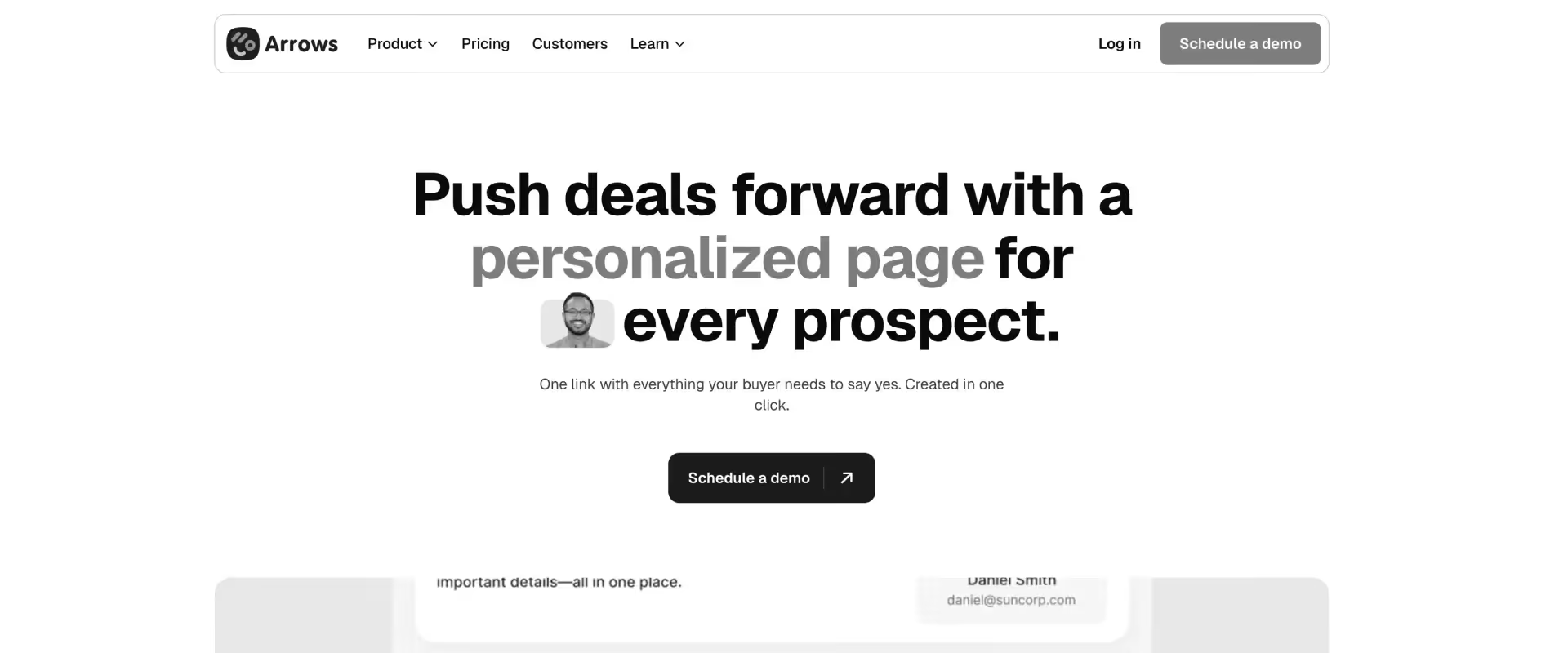
Arrows.to is a customer onboarding tool built directly inside HubSpot, designed to help teams manage onboarding steps and create onboarding flows within the CRM.
Its core value lies in eliminating context switching for teams whose entire revenue and customer lifecycle motion is already anchored in HubSpot. Arrows integrates natively with HubSpot, allowing users to create customer-facing action plans that sync with HubSpot deals.
Unlike standalone onboarding tools, Arrows does not attempt to become a system of record for delivery. Instead, it extends HubSpot by embedding onboarding tasks, milestones, and customer-facing action plans directly into deal and contact records.
For teams operating entirely within HubSpot, this creates a tightly coupled experience where onboarding becomes a continuation of the sales workflow.
Key features
- HubSpot-native onboarding with no external system dependency: All onboarding workflows live within HubSpot objects, ensuring that customer progress, task completion, and milestones remain directly tied to deal records without requiring sync layers or external databases.
- Customizable onboarding plans for every customer: Onboarding plans can be tailored based on customer segments, regions, and deal sizes, providing a structured and personalized process that guides new customers through specific phases and tasks. Automation and integration with HubSpot ensure efficient task completion and an enhanced customer experience.
- Customer-facing action plans embedded in CRM records: Shared onboarding checklists are exposed to customers while remaining linked to HubSpot properties, allowing teams to maintain a single source of truth for both internal tracking and external communication.
- Workflow automation triggered by onboarding progress: Completion of onboarding milestones can trigger HubSpot workflows, enabling downstream actions such as lifecycle stage updates, internal notifications, or expansion motions without additional tooling.
- Tight coupling with sales-to-CS handoff: Because onboarding exists within the CRM, handoffs between sales and customer success happen within the same data structure, reducing information loss across stages.
Pros and cons
Best for
- HubSpot-centric organizations where sales, onboarding, and CS all operate within a single CRM layer
- SMB to mid-market teams managing linear, checklist-driven onboarding workflows
- Revenue teams that prioritize data continuity between deal closure and onboarding execution
- Organizations that want to avoid adding another tool to their stack
Key takeaways
What customers say (G2 reviews)
3. Planhat

Planhat is a customer platform that combines customer success workflows with revenue tracking, giving CS and RevOps leaders visibility into how onboarding and adoption impact ARR.
It supports the full customer lifecycle, including onboarding, adoption, and renewal, allowing organizations to manage and analyze every phase of the customer journey.
Planhat's core value lies in connecting customer activity to financial outcomes, particularly for teams operating in Salesforce-centric environments.
Unlike onboarding-first tools, Planhat is structured around the customer lifecycle rather than project execution. It treats onboarding as one phase within a broader revenue journey that includes adoption, expansion, and renewal.
This makes it useful for leadership visibility but less suited for teams that need to manage detailed implementation workflows day-to-day.
It also offers revenue recognition capabilities, tying onboarding and customer success activities directly to financial outcomes. This integration streamlines billing, project accounting, and financial reporting, making it easier for organizations to realize revenue quickly and accurately.
Key features
- Lifecycle management from onboarding to renewal: Tracks customer journeys across onboarding, adoption, and retention within a unified data model, enabling continuity across CS motions.
- Revenue intelligence layer tied to customer activity: Surfaces metrics like net revenue retention (NRR), churn risk, and expansion opportunities alongside onboarding progress, allowing teams to quantify delivery impact in revenue terms.
- Deep CRM integrations (Salesforce-first): Bidirectional sync ensures alignment between sales, onboarding, and CS, particularly in organizations where Salesforce is the system of record.
- Customer health scoring and segmentation: Combines engagement, usage, and revenue data to prioritize accounts and trigger CS workflows.
Pros and cons
Best for
- Enterprise CS and RevOps leaders who need revenue visibility tied to onboarding performance
- Salesforce-heavy organizations where customer data and workflows are CRM-centric
- Teams prioritizing churn reduction, expansion, and lifecycle management over delivery execution
Key takeaways
What customers say (G2 reviews)
4. EverAfter
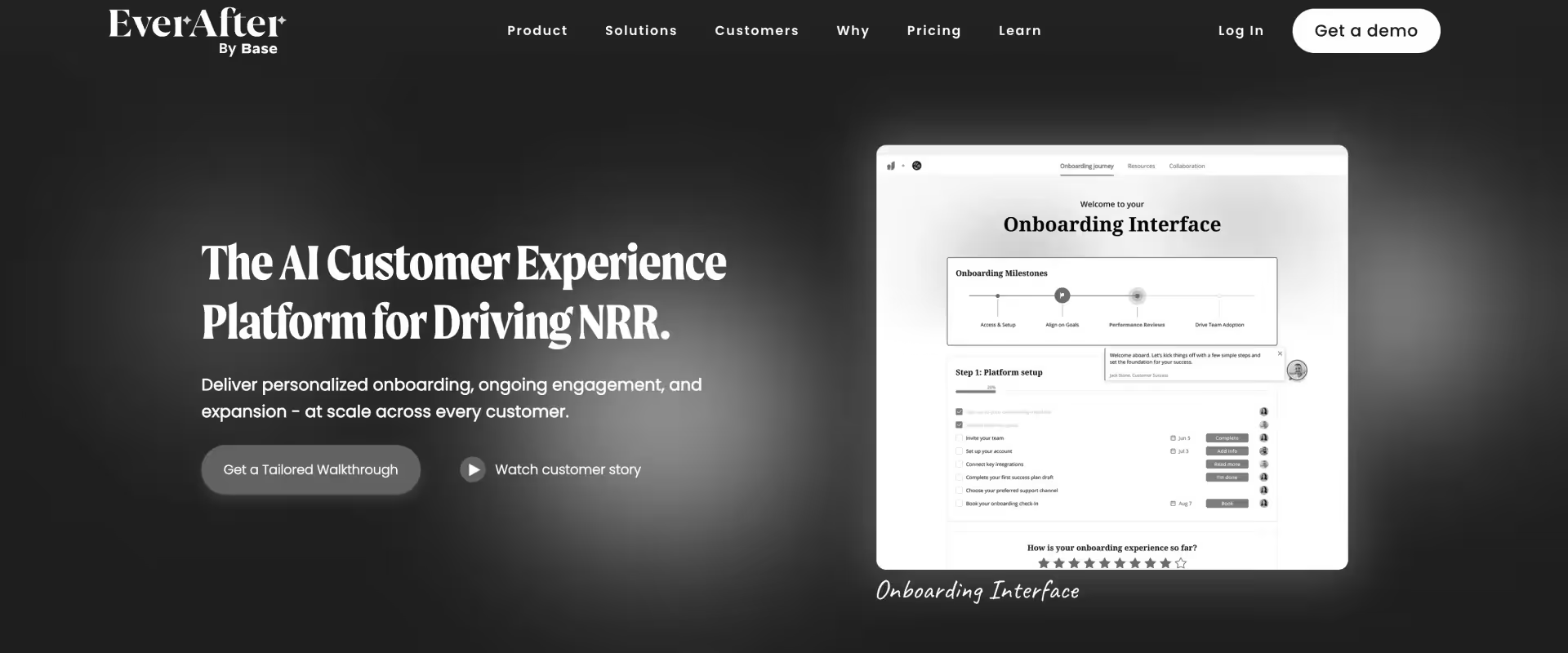
EverAfter is a customer experience platform focused on building white-labeled customer hubs that span onboarding, adoption, and renewal. Its core value lies in enabling CS teams to create highly customized, branded customer experiences without relying on engineering resources.
Unlike project management tools or onboarding platforms, EverAfter is focused only on the front-office by design. It prioritizes what the customer sees and interacts with, rather than how internal teams coordinate delivery.
This makes it a strong choice when customer experience is the primary differentiator, but it requires additional tooling to manage execution behind the scenes.
Key features
- White-labeled customer hubs: Fully customizable portals that reflect company branding, product structure, and customer segmentation.
- No-code portal builder for CS teams: Allows non-technical teams to design and modify customer journeys without engineering support.
- Segmented customer experiences: Different portal views and journeys based on customer tier, lifecycle stage, or product configuration.
- Lifecycle coverage beyond onboarding: Extends into adoption and renewal, providing continuity across the customer journey.
Pros and cons
Best for
- CS teams where customer experience and branding are primary priorities
- Organizations serving enterprise customers expecting premium onboarding journeys
- Teams willing to pair EverAfter with a separate delivery or PM system
Key takeaways
What customers say (G2 reviews)
5. Gainsight
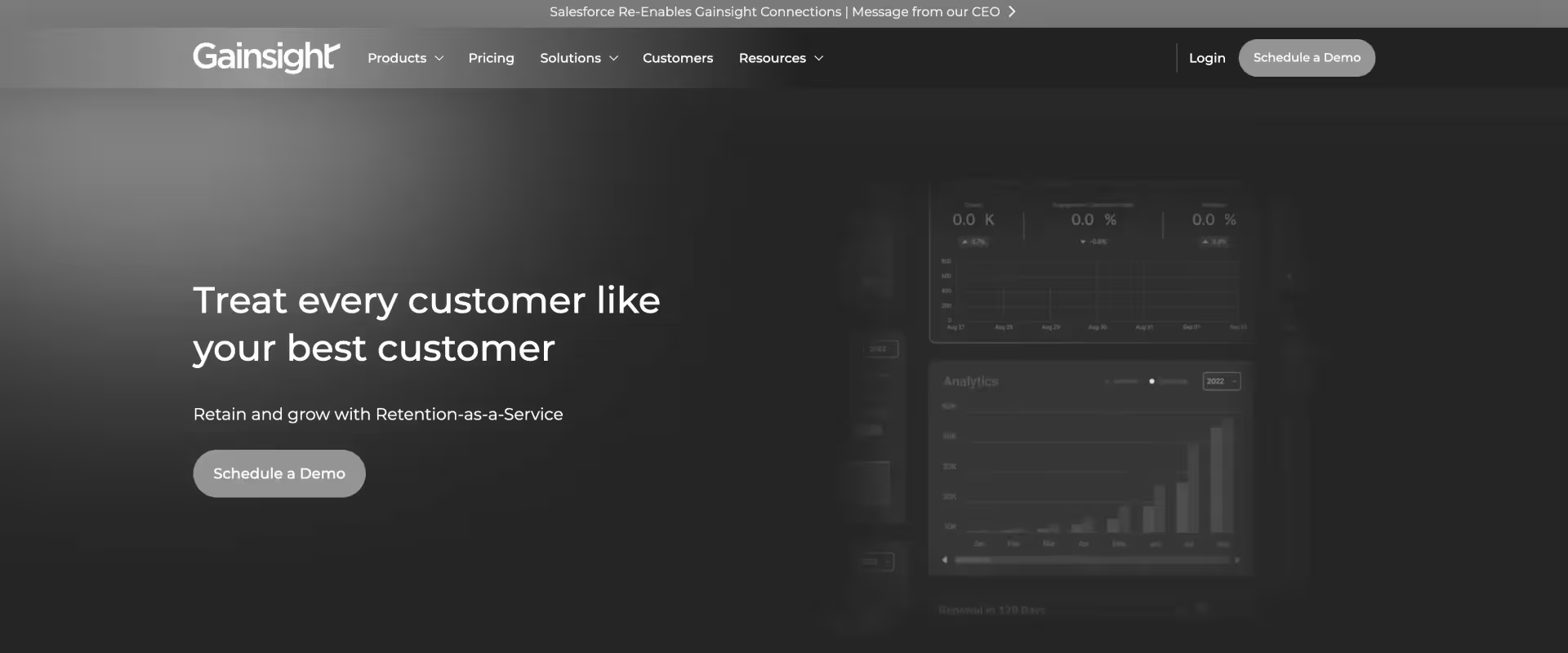
Gainsight is an enterprise-grade customer success platform designed to manage large customer portfolios across onboarding, adoption, and renewal.
Its core value lies in portfolio-level visibility and lifecycle orchestration, rather than project-level execution. Gainsight supports customer success teams by providing robust health monitoring capabilities, enabling them to proactively manage customer engagement and outcomes throughout the entire lifecycle.
Unlike onboarding tools, Gainsight operates at the strategic layer of customer success, focusing on health scoring, playbooks, and executive reporting. It is built for organizations managing hundreds or thousands of accounts, where standardization and automation across the lifecycle are more important than detailed project management.
Key features
- Customer health scoring across multiple data sources: Combines product usage, engagement, support, and survey data into composite health scores.
- Lifecycle playbooks and workflow automation: Rule-based triggers automate onboarding, escalation, and renewal workflows across large portfolios.
- Executive dashboards and reporting: Provides visibility into NRR, gross revenue retention (GRR), churn risk, and adoption trends at leadership level.
- Ecosystem integrations (CRM, support, product data): Connects with Salesforce, Zendesk, and product analytics tools for unified customer insights.
Pros and cons
Best for
- Enterprise CS organizations managing large customer portfolios (500+ accounts)
- Teams prioritizing lifecycle orchestration, reporting, and churn reduction
- Leaders needing executive-level visibility into customer performance
Key takeaways
What customers say (G2 reviews)
6. Vitally
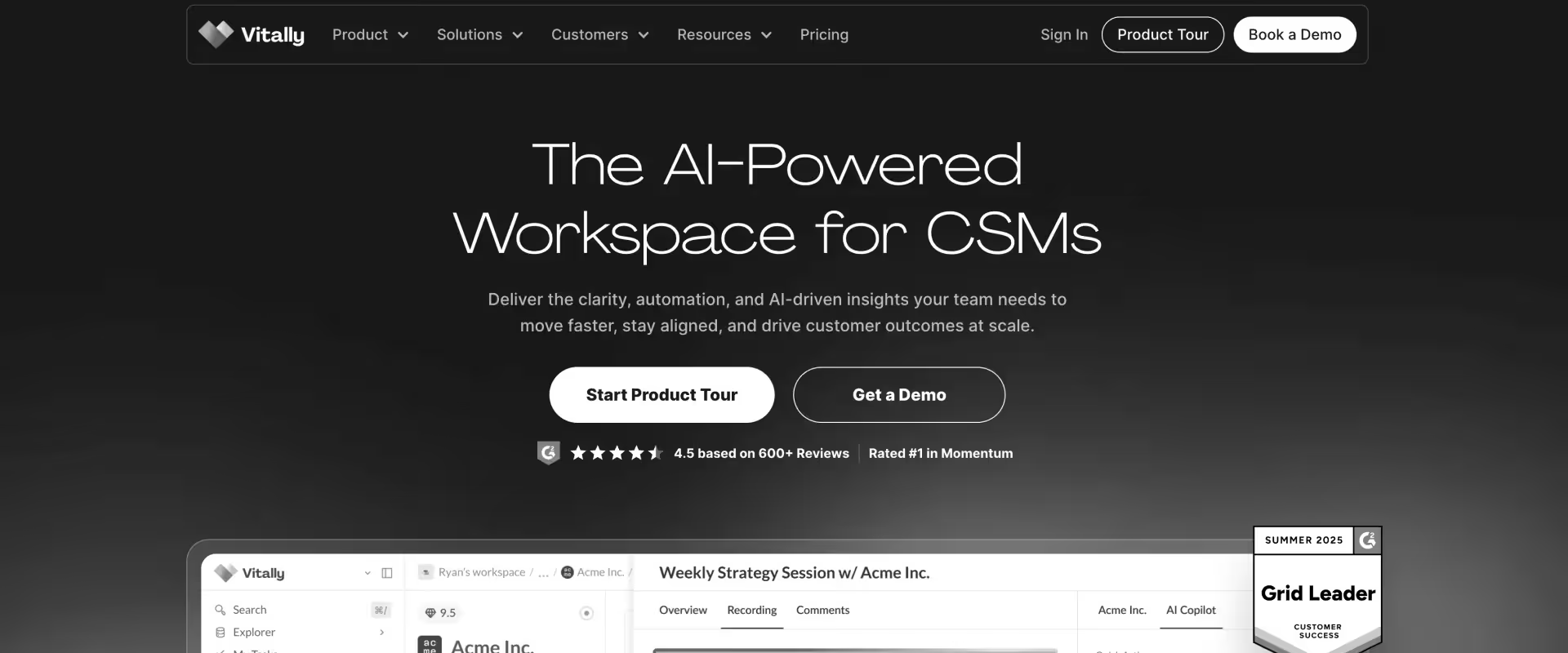
Vitally is a modern customer success platform built for B2B SaaS teams that want to connect product usage data with CS workflows. Its core value lies in making customer health and onboarding success visible and measurable through actual product adoption, not just task completion.
Vitally enables teams to track each customer's progress through onboarding, providing analytics that highlight bottlenecks and offer insights into where customers may be getting stuck.
Unlike onboarding tools that focus on checklist execution, Vitally is structured around post-sale engagement and product signals. It treats onboarding as the beginning of adoption rather than an isolated phase.
This makes it particularly effective for product-led organizations, but less suited for teams that need to manage complex, multi-team implementation delivery.
Key features
- Product usage integration as a first-class signal: Direct integrations with product analytics tools allow Vitally to surface adoption data alongside CS workflows, enabling teams to track whether onboarding translates into actual usage.
- Unified customer workspace (notes, tasks, communication): Centralized view of all customer interactions, including notes, emails, and tasks, reducing fragmentation across tools.
- Health scoring and segmentation: Dynamic scoring models based on product usage, engagement, and activity to prioritize accounts and trigger workflows.
- Modern UX designed for CS adoption: Lightweight, intuitive interface compared to legacy CS platforms, reducing onboarding time for internal teams.
Pros and cons
Best for
- B2B SaaS companies prioritizing product adoption as the measure of onboarding success
- CS teams operating in product-led or hybrid GTM models
- Mid-market organizations needing modern, lightweight CS tooling
Key takeaways
What customers say (G2 reviews)
7. Totango
Totango is an enterprise customer success platform designed to manage high-volume customer portfolios through lifecycle automation.
It excels at managing the customer onboarding process by guiding new clients through structured, multi-step workflows, and provides onboarding analytics to help teams track performance and engagement throughout the onboarding process.
Its core concept revolves around “SuccessBlocks” — modular workflows that standardize onboarding, adoption, and renewal processes across large customer bases.
Unlike onboarding platforms, Totango is optimized for scale over depth. It excels at orchestrating thousands of customer journeys simultaneously, but is not designed for high-touch, project-heavy implementations where detailed coordination and execution matter.
Key features
- SuccessBlocks for modular lifecycle workflows: Pre-built, configurable playbooks that standardize onboarding and lifecycle processes across customers.
- Dynamic customer segmentation: Segments customers based on attributes, behavior, and lifecycle stage to trigger automated workflows.
- Portfolio-level orchestration: Designed to manage thousands of customer journeys simultaneously with minimal manual intervention.
- Broad integrations across CRM, support, and product tools: Connects with Salesforce, HubSpot, Zendesk, and analytics platforms for unified data flow.
Pros and cons
Best for
- Enterprise CS teams managing large portfolios with thousands of customers
- Organizations prioritizing automation and scalability over hands-on delivery
- Teams running low-touch or digital-first onboarding models
Key takeaways
What customers say (G2 reviews)
8. Asana
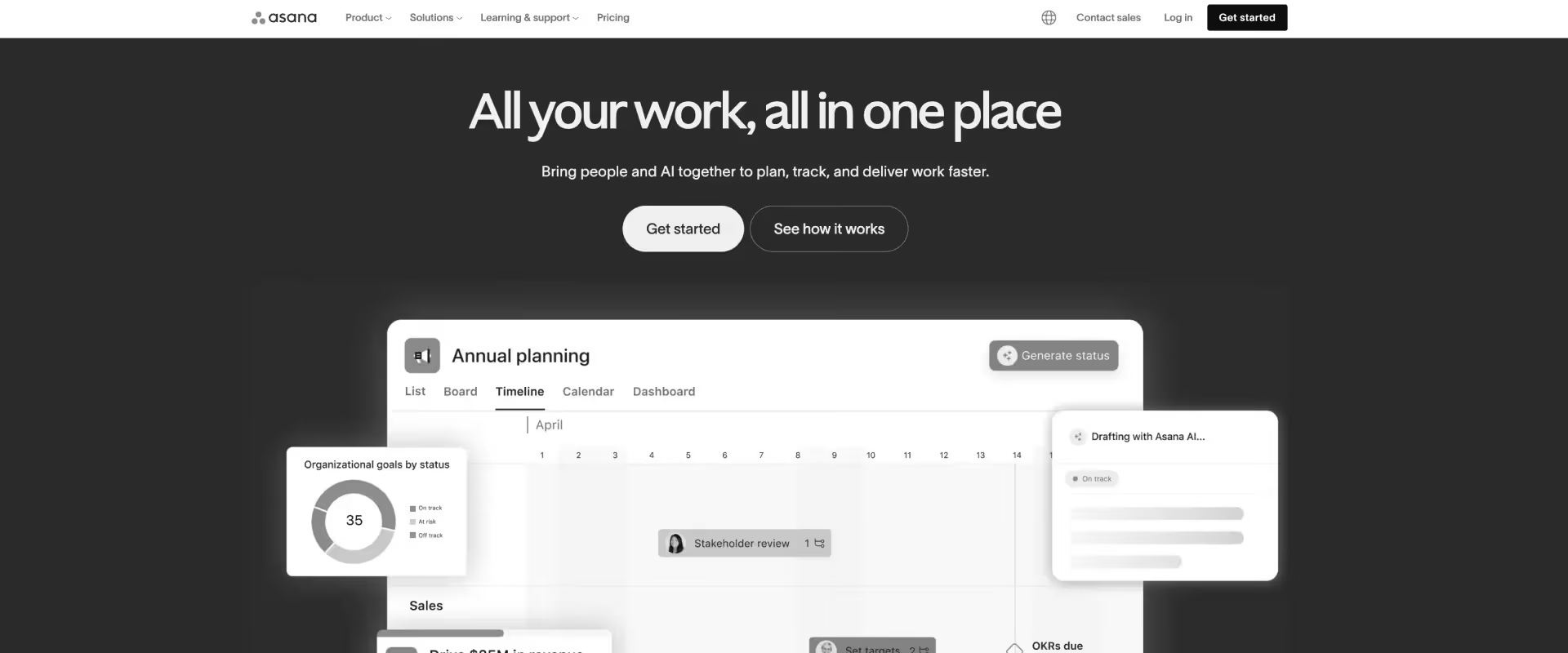
Asana is a general-purpose work management platform used across teams to manage projects, tasks, and workflows. Its core value lies in internal project coordination, making it a common choice for teams building onboarding processes on top of flexible PM infrastructure.
Asana supports collaboration and task management for the internal team during onboarding, helping internal staff coordinate, assign, and track tasks efficiently.
Asana also enables collaboration between internal and external stakeholders through shared documents, threaded comments, and status updates, while providing tools to monitor project health with real-time dashboards and analytics.
Unlike onboarding or CS platforms, Asana is not opinionated about customer workflows. It provides the building blocks for managing tasks and dependencies, but requires teams to design their own onboarding systems. This makes it powerful for internal execution, but incomplete for customer-facing onboarding.
Key features
- Timeline and dependency management (Gantt-style): Enables teams to plan and visualize complex project sequences with task dependencies.
- Portfolio-level visibility across projects: Aggregated view of multiple onboarding projects, allowing leadership to track status and risks.
- Workflow automation and rules: Automates task creation, status updates, and notifications based on defined triggers.
- Flexible project structures: Supports multiple views (list, board, timeline) to match different team preferences.
Pros and cons
Best for
- PM-first teams that prioritize internal coordination over customer experience
- Organizations building custom onboarding workflows using general-purpose tools
- SMB to mid-market teams needing structured project management without specialization
Key takeaways
What customers say (G2 reviews)
9. ClickUp
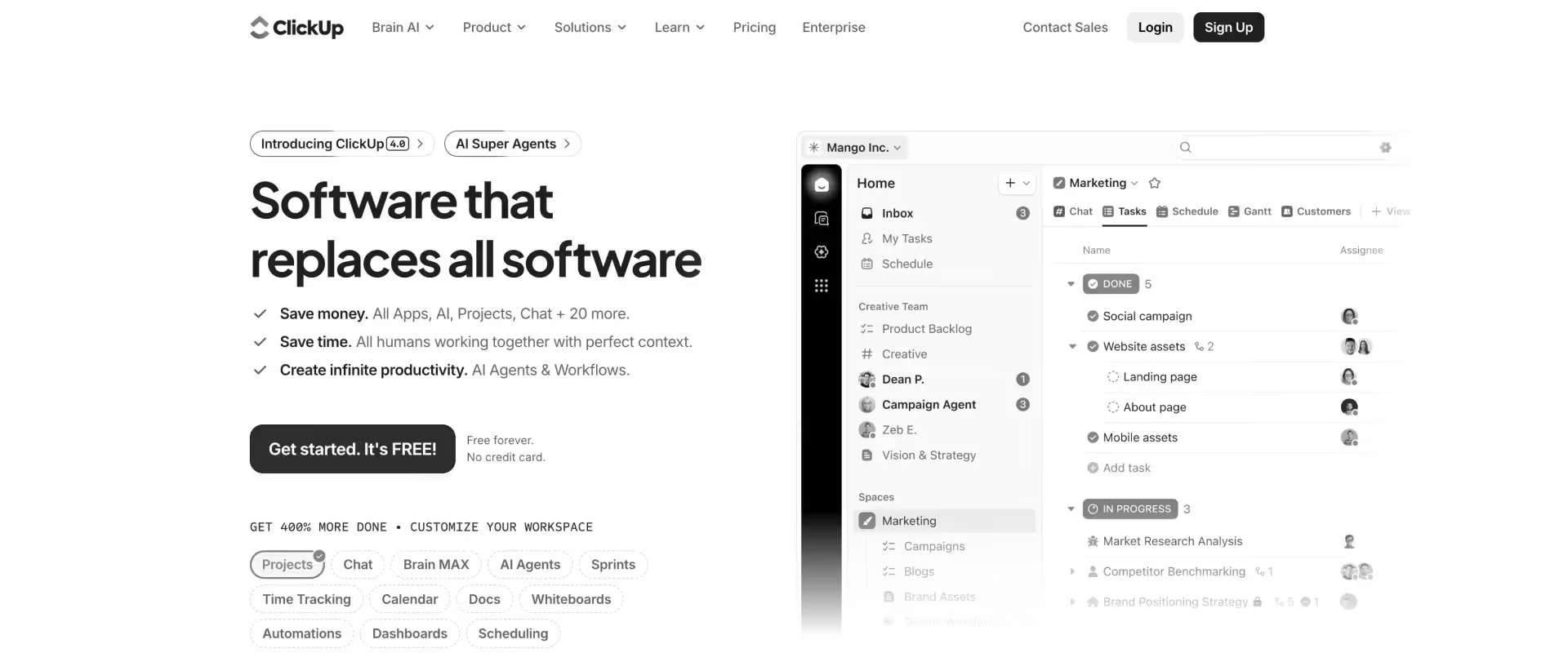
ClickUp is one of the configurable work management platform that combines tasks, docs, dashboards, and time tracking into a single system. Its core value lies in flexibility — teams can shape it to fit a wide range of workflows, including customer onboarding and implementation.
Unlike purpose-built onboarding or PSA platforms, ClickUp is toolkit-driven rather than opinionated. It provides the components needed to manage work, but leaves it to teams to design how onboarding should function.
This makes it attractive for lean teams that want control and cost efficiency, but it introduces overhead when scaling into more structured, multi-team delivery environments.
Key features
- Highly configurable workflow architecture: Custom fields, statuses, and views allow teams to model onboarding workflows in multiple ways without requiring engineering support.
- Built-in time tracking at task level: Time can be logged directly against tasks, enabling basic tracking of effort without external tools.
- Multi-view project management (list, board, timeline, docs): Teams can switch between different representations of work depending on use case and preference.
- Templates and community resources: Pre-built templates for onboarding and project workflows reduce initial setup time.
Pros and cons
Best for
- Lean implementation teams that need flexible internal project management at low cost
- Organizations willing to invest time in configuring their own workflows
- SMB to mid-market teams in early stages of scaling delivery operations
Key takeaways
What customers say (G2 reviews)
10. Monday.com
Monday.com is a visual work management platform used for tracking tasks, workflows, and lightweight onboarding processes. Its core value lies in simplicity — teams can get up and running quickly without needing deep configuration or process design.
Monday.com allows users to manage onboarding flows and onboarding steps for simple workflows, providing clear task progression and visibility for new customer onboarding.
Unlike onboarding or PSA platforms, Monday.com is designed for ease of use over operational depth.
It works well for teams managing straightforward, linear onboarding, but begins to show limitations as complexity increases across products, teams, and customer segments.
Key features
- Visual board-based project tracking: Status-driven boards provide an intuitive way to track onboarding progress without requiring formal training.
- Quick setup with minimal configuration: Teams can deploy workflows in days rather than weeks, making it accessible for smaller organizations.
- Basic workflow automation: Trigger-based automations handle task creation, notifications, and status updates.
- Cross-functional collaboration: Supports coordination across teams through shared boards and updates.
Pros and cons
Best for
- SMB teams managing simple, linear onboarding workflows
- Organizations prioritizing ease of use and fast deployment
- Teams with low complexity and limited cross-functional coordination needs
Key takeaways
What customers say (G2 reviews)
Key criteria for evaluating GUIDEcx alternatives

Most teams evaluate GUIDEcx alternatives by comparing features. That is the wrong lens. The real question is whether the system can support how onboarding actually runs — not in the ideal case, but when five products, three teams, and 100 concurrent projects are in motion.
Most tools optimize a single layer such as project tracking or customer visibility.
GUIDEcx breaks when these layers interact at scale.
The right evaluation is structural: can the system model how onboarding actually executes, or does it force teams to compensate with workarounds?
Teams need to determine whether the system can support how onboarding actually runs beyond simple, linear workflows through capabilities like:
1. Single-project architecture with multi-owner support
This is where most teams hit friction first. Onboarding involves concurrent workstreams owned by different teams:
- Product configuration
- Integrations
- Data migration
- Stakeholder training
If the system cannot support parallel ownership within one project, teams split work across projects. That leads to fragmented communication, duplicated updates, and no unified view of progress.
2. Integration reliability and native connectors
Integrations quickly become part of the operating system. What starts as flexibility turns into overhead:
- Monitoring failures and sync issues
- Maintaining middleware workflows
- Managing latency and data gaps
The key distinction is whether integrations run inside the product or outside it. Native integrations reduce maintenance and keep data aligned in real time.
3. Conditional template logic
Template sprawl is a scaling problem that compounds quietly. As onboarding grows:
- New products create new templates
- Customer variations multiply versions
- Edge cases lead to duplication
The evaluation should focus on whether a single template can adapt dynamically based on inputs, rather than requiring multiple static versions.
4.Customer portal depth and branding
The onboarding portal shapes how customers experience delivery. A shallow portal increases coordination effort:
- Duplicate communication across channels
- Confusion around ownership and progress
- Increased status check requests
A deeper portal consolidates visibility, communication, and expectations into one place, reducing manual follow-ups.
5. Reporting depth and data freshness
Reporting determines how early teams can act. Delayed visibility creates a gap between execution and awareness:
- Missed early warning signals
- Reactive decision-making
- Inaccurate forecasting
The evaluation should prioritize real-time visibility, portfolio-level insights, and reporting that does not depend on manual aggregation.
AI capabilities that set leading GUIDEcx alternatives apart

GUIDEcx includes AI capabilities, but they are relatively limited and not deeply embedded across the onboarding workflow. Most alternatives still treat AI as an add-on rather than a core part of the delivery system.
This matters because the majority of operational inefficiency in onboarding is not in tracking work. It is in doing the work that surrounds it.
Tier 1: Agentic AI to manage operations
This is the most common layer. Increasingly table stakes, it automates repeatable, low-value tasks:
- Meeting summaries and follow-up documentation
- Status updates and progress logging
- Timesheet reminders and activity capture
The impact is incremental but consistent. Teams save time on every interaction, often 10–15 minutes per call or update cycle.
At scale, this reduces manual overhead, but it does not change how onboarding is structured or delivered.
Tier 2: Onboarding governance AI
This layer shifts onboarding systems from passive tracking to active monitoring. Instead of waiting for issues to surface, the system continuously evaluates delivery signals:
- Budget burn rates and effort overruns
- Milestone velocity and timeline drift
- Customer engagement patterns during onboarding
The key difference is timing. Risks are surfaced while onboarding is still in motion, not after impact. This is where churn is prevented, margins are protected, and delivery becomes more predictable.
Few platforms support this meaningfully because it depends on real-time data, consistent workflows, and unified project structures.
Tier 3: Agentic AI for actual work
This is the least common and most transformative layer. It goes beyond just automating tasks to reduce entire categories of work by:
- Generating project plans directly from SOW or CRM inputs
- Creating documentation from calls, emails, and delivery activity
- Identifying expansion or contraction signals from engagement data
This changes the economics of onboarding. Teams spend less time on setup and documentation, handle more projects concurrently, and maintain greater consistency across implementations.
Why this matters for GUIDEcx evaluators
GUIDEcx’s limitations are not just about usability. Fragmented project structures, static templates, and delayed reporting make it difficult to build meaningful automation on top.
AI depends on:
- Consistent, structured data
- Real-time visibility into delivery
- Unified workflows across projects
When these are missing, AI remains surface-level.
What changes when you switch from GUIDEcx?
Switching platforms can also mean a change in workflows. What matters is which changes remove friction immediately, and which require some upfront effort but pay off as onboarding scales.
What changes immediately:
The first shift shows up in the customer experience. Instead of navigating multiple projects, customers interact with a single, unified journey:
- One portal instead of multiple project views
- One notification stream instead of fragmented updates
- Clear ownership across teams without handoff confusion
Template workload also reduces sharply. Instead of maintaining multiple versions for different products or use cases, teams consolidate into fewer, more flexible templates:
- Variation handled through conditional logic, not duplication
- 90%+ reduction in template variants for many teams
- Less ongoing effort to maintain and update onboarding structures
Integration monitoring largely disappears. With native integrations in place:
- No daily checks for failed middleware workflows
- No API credit tracking or sync troubleshooting
- Data flows continuously without manual supervision
Document management becomes structured rather than manual:
- Files are automatically named and organized
- Search and retrieval are consistent across projects
- Document loss and version confusion are eliminated at the system level
Reporting becomes continuous and reliable:
- Portfolio-level dashboards are available out of the box
- No need for manual aggregation or custom reporting layers
- Data reflects onboarding progress in real time, not delayed snapshots
What requires intentional design:
Some changes require more deliberate effort upfront. Moving to Rocketlane means defining how onboarding should operate across segments and use cases, rather than inheriting constraints from the previous system.
Process design becomes explicit:
- Workflows are structured around actual onboarding needs
- Cross-team coordination is defined upfront, not improvised
- The system reflects how onboarding runs, not the other way around
Templates are rationalized instead of copied over:
- Existing templates are consolidated into a smaller set
- Conditional logic replaces template sprawl
- Long-term maintenance drops significantly
Reporting is redefined during implementation:
- KPI definitions are cleaned up and standardized
- Workarounds built in GUIDEcx are removed
- Dashboards are structured for ongoing visibility, not patchwork fixes
Teams that see the most impact treat the switch as a reset.
The goal is not to recreate existing workflows, but to remove the constraints that made those workflows necessary in the first place.
How to choose a GUIDEcx alternative: 5 steps
By the time most teams seriously evaluate GUIDEcx competitors, onboarding itself isn’t the problem anymore. The system around it is.
Onboarding used to be linear: one product, one plan, one timeline. Now it is concurrent: multiple products per customer, overlapping timelines, parallel workstreams across teams.
At 20–30 projects, teams can compensate manually. At 100+, the system either reflects reality or customer onboarding starts to break under it.
Step 1: Name your primary failure mode
Every team at this stage feels friction. The key is identifying where it originates.
Common failure patterns include:
- Project fragmentation
- One customer becomes multiple parallel projects
- Communication splits across threads
- No single source of truth
- Integration instability
- Middleware workflows running in the background
- Failures requiring active monitoring
- Data inconsistencies across systems
- Template sprawl
- Template count grows with every new product or edge case
- Small variations create new versions instead of adapting existing ones
- Reporting lag
- Visibility comes after problems surface
- Teams rely on exports or stitched dashboards
This step forces clarity because each of these problems points to a different structural gap. If you don’t isolate the gap, you risk solving the wrong layer.
Step 2: Audit your integration footprint
At scale, integrations stop being invisible plumbing and become part of your daily operations.
Map your system as it actually exists:
- CRM
- Onboarding tool
- Support platform
- Billing system
- Reporting layer
- Middleware connecting all of them
Then ask: Where does responsibility sit when something breaks?
In many GUIDEcx setups, the responsibility sits inside the team.
That shows up as:
- Need for daily monitoring
- Reactive fixes
- Silent failures that surface later
What strong alternatives do differently:
- Move integrations into the core system
- Reduce dependency on external workflows
- Eliminate the need for constant oversight
This is an operational improvement. It directly affects how much background work your team carries every day.
Step 3: Stress-test template logic with your worst case
Most onboarding systems look clean when you model a standard implementation. That’s not where they fail.
Define your most complex real scenario, then model it.
Here are a few questions to consider:
- Are you creating multiple templates to handle variations?
- Are tasks duplicated instead of conditionally triggered?
- Do teams rely on manual adjustments mid-execution?
If yes, the system is pushing complexity onto your team.
What good looks like:
- A smaller set of core templates
- Logic driven by inputs (deal attributes, scope, etc.)
- Workflows that adapt without duplication
Step 4: Show the portal to your most demanding customer
At scale, the onboarding portal stops being a convenience and becomes your delivery interface.
Evaluate it as your customer would:
- Can they understand progress without asking for clarification?
- Do they see one unified journey or multiple disconnected views?
- Does it reflect real-time execution or lag behind internal updates?
When the portal fails, the symptoms are immediate:
- Customers ask where to go
- Updates move back to email and calls
- Teams spend time re-explaining what the system should show
When it works, you see that communication consolidates, expectations align earlier, and trust builds around visibility
Step 5: Ask for a migration assessment (not just a product demo)
Demos show what a tool can do. Migration shows what it will take to replace your current system.
Ask:
- What happens to 200 live projects?
- What data moves as-is?
- What needs to be restructured?
- How long until the team is operating normally?
Decision routing guide
GUIDEcx vs Rocketlane: Head-to-head comparison

The comparison between Rocketlane and GUIDEcx comes down to how each system models execution. When evaluating guidecx competitors, it’s important to consider the implementation process, as a streamlined transition into active use can optimize workflows and improve collaboration and ROI.
Leading successful implementations often require starter templates, which help clients avoid starting from scratch and ensure a smoother onboarding experience. A smooth onboarding experience is a key outcome of using effective starter templates and onboarding processes, as highlighted by many competitors and user reviews.
GUIDEcx assumes:
- Onboarding is linear
- Work can be segmented into separate projects
- Focuses on task management and project visibility
Rocketlane assumes:
- Onboarding is multi-threaded
- Work needs to stay unified while execution happens in parallel
- Offers more comprehensive project management features
Why choose Rocketlane?

Professional services teams outgrow GUIDEcx when three structural gaps emerge: fragmented project execution, delayed visibility into delivery health, and lack of integrated resource planning.
Rocketlane is a PSA platform built for services delivery and customer onboarding teams. It unifies project planning, resource management, time tracking, and financial visibility. This enables teams to deliver projects on plan, on budget, and on time while protecting profit margins.
The comparison to GUIDEcx highlights how a unified PSA structure eliminates operational friction that onboarding-only tools inherit.
1. Native integrations remove ongoing operational overhead
GUIDEcx environments often depend on middleware like Workato to connect CRM, onboarding, and financial systems. That layer requires continuous monitoring, from failed syncs to API limits and workflow errors.
Rocketlane replaces that with native, bidirectional integrations, including with Salesforce. Data flows continuously without requiring teams to maintain integration logic or troubleshoot failures as part of daily operations.
Teams transitioning from middleware-dependent setups often report this as one of the first operational changes they experience.
2. The system matches how onboarding actually runs
Customer onboarding is inherently concurrent.
Multiple teams work in parallel on configuration, integration, data migration, and training; dependencies overlap and ownership shifts across phases.
When the system cannot represent that, teams split work across projects, fragmenting visibility and increasing coordination effort.
Rocketlane keeps onboarding and delivery unified within a single project structure while supporting multiple owners and parallel execution.
Customers experience one continuous journey, and internal teams operate with clearer ownership and fewer handoffs.
3. Migration is structured, not disruptive
Migration tends to be viewed as a risk, but in practice it is a controlled process. Rocketlane supports:
- Migration of in-flight and historical projects
- Structured import of task data, customer records, and custom fields
- Pre-built templates to map GUIDEcx data cleanly
Teams typically use this phase to simplify templates, standardize workflows, and clean up reporting. The result is not just a system switch, but a more maintainable onboarding structure from day one.
4. Lower total cost of ownership comes from consolidation
Costs in GUIDEcx setups often extend beyond licensing.
Middleware, reporting workarounds, and manual operational effort all add up as onboarding scales.
Rocketlane consolidates these layers into a single system. The impact is not just tool reduction, but less time spent maintaining the system itself. Over time, this translates into lower operational overhead and more predictable delivery.
How Rocketlane Nitro reshapes implementation delivery

Every onboarding or implementation platform can track tasks and timelines. The real leakage happens elsewhere, in the gaps between systems and handoffs.
Churn signals go unnoticed until renewal, documentation lives in scattered tools, and non-billable setup work quietly eats into margins.
A typical onboarding includes:
- Planning: Converting SOWs or deals into structured onboarding plans with milestones, timelines, and dependencies
- Execution: Completing setup, integrations, data migration, and configuration tasks
- Coordination: Aligning internal teams and keeping customers informed and engaged
- Analysis: Tracking progress, identifying risks, and adjusting plans in real time
Rocketlane Nitro operates within the delivery system, applying AI across three layers: governance (flagging drift), insights (answering portfolio questions), and execution support (guiding teams through structured work).
Unlike standalone AI assistants, Nitro works on live delivery data—projects, time, resources, financials—enabling it to move beyond summaries into decision support.
Level 1: Operational transformation (Removing repetitive effort)
Nitro's purpose-built agents automate repetitive tasks that show up in every implementation:
- Turning a sales handoff or SOW into a pre-filled onboarding project with tasks, timelines, and owners
- Summarizing kickoff calls into actionable next steps and updating project records
- Capturing updates and enforcing time or activity tracking without manual follow-ups
Nitro reduces recurring operational work through purpose-built capabilities:
- Workforce Agent: Converts SOWs into delivery-ready project plans with structured tasks, timelines, and ownership. Watches for milestone drift and flags budget pressure as execution unfolds.
- Timesheet Policy Agent: Enforces time tracking and submission rules automatically, protecting billing accuracy without manual follow-ups.
- AI Analyst: Answers delivery or onboarding questions in natural language, such as utilization, margins, or time-to-value across segments, without custom reports or external tools.
In practice, this eliminates hours spent on project setup, timesheet corrections, and report building across every onboarding cycle.
Across 50–100 onboardings, this consolidates operational overhead—fewer manual approvals, less time chasing status updates, reduced need for external reporting tools.
Level 2: Delivery transformation (Bringing visibility into the flow of execution)
At this level, Nitro surfaces risks while onboarding is in motion. It continuously reads signals across onboarding projects and highlights where attention is needed:
- A milestone slipping because a dependency has not been completed
- A customer going quiet during a critical phase like integration or data validation
- Effort exceeding estimates on specific onboarding steps
Example: Instead of discovering delays in a weekly review, teams get alerted when a customer has not responded for several days during implementation or when timelines begin to drift.
It does this through capabilities such as:
- Project Governance Agent: Tracks budget burn, milestone slippage, and scope changes across projects, surfacing margin risks while there is still time to act.
- Account Signals Agent: Monitors customer engagement patterns and delivery signals to identify churn risk or expansion opportunities during onboarding itself.
This allows teams to intervene earlier, keeping onboarding timelines and customer expectations aligned.
Level 3: Work execution transformation (Reducing effort per onboarding/implementation/delivery)
This is where Nitro supports execution directly in areas that typically require manual effort:
- Generating onboarding plans tailored to deal size, use case, or customer segment
- Producing documentation such as implementation notes, configuration details, or handover summaries
- Assisting with structured workflows like data migration steps or configuration checklists
Example: For a mid-market onboarding, Nitro can generate a ready-to-use project plan from CRM data, document key decisions from customer interactions, and guide teams through setup workflows without starting from scratch each time.
Nitro supports execution directly in areas that typically require significant manual input:
- Documentation Agent: Generates BRDs, SOW summaries, and onboarding documentation from calls, emails, and project activity.
- Migration Agent: Handles data mapping, transformation, and validation during implementation, including platform transitions.
Each implementation requires less manual effort, which allows teams to handle higher volumes, compress timelines, and maintain consistency across customers without increasing operational load.
Migrating from GUIDEcx to Rocketlane

The biggest hesitation in switching onboarding platforms is change management. Migration feels risky because onboarding is already in motion.
In practice, teams that move to Rocketlane tend to treat migration as a forcing function to clean up structure, not just transfer data.
Rocketlane’s migration approach is built around continuity first, then optimization. Both live and historical onboarding data can be carried over so teams do not lose visibility or context.
What gets migrated:
- In-flight projects, including tasks, timelines, and ownership
- Historical projects to ensure reporting continuity from day one
- Task structures, descriptions, and time entries
- Customer records and project-level data
- Custom fields, mapped using structured import templates
Rocketlane provides structured import frameworks and onboarding support to make this process predictable.
Teams that see the most success treat migration as a redesign of their onboarding system. The goal is not to carry forward existing complexity, but to replace it with a structure that scales cleanly
What teams typically rebuild (by choice):
Most teams do not directly replicate their GUIDEcx setup. Instead, they use the transition to simplify:
- Consolidating dozens of templates into a smaller set using conditional logic
- Standardizing workflows across products or customer segments
- Cleaning up inconsistent fields, naming conventions, and reporting structures
This step creates long-term leverage by reducing maintenance and improving consistency.
Typical migration timeline:
- Weeks 1–2: Data validation and sandbox setup
- Weeks 3–6: Template redesign, integrations (e.g. Salesforce), and team training
- Weeks 7–8: Parallel run and validation
- Go-live: Transition over a planned window, followed by a structured stabilization phase
Rocketlane’s implementation model is designed for controlled rollout rather than disruption.
Rocketlane customers like SupportLogic have successfully transitioned from GUIDEcx to Rocketlane, improving time-to-value by 60% while scaling onboarding operations.
Conclusion
Customer onboarding reaches a point where incremental fixes stop working. What begins as a coordination challenge evolves into a structural one. The system in place can no longer support how onboarding actually unfolds across customers, use cases, and internal teams.
Different customer segments require different paths, timelines overlap, and multiple functions need to stay aligned. In that environment, relying on a tool designed for linear execution creates friction. Teams compensate with workarounds, but those workarounds introduce inconsistency, reduce visibility, and make outcomes harder to predict.
This is where most teams begin evaluating alternatives, often with a feature checklist in mind. But onboarding at scale is less about features and more about whether the system can support repeatability without rigidity, coordination without overhead, and visibility that reflects real execution.
Platforms like Rocketlane are designed around that premise. By unifying delivery, customer collaboration, and operational context, they enable onboarding teams to handle complexity without fragmenting the experience.
If you’re at the point where:
- Multiple projects per customer are becoming unmanageable
- Integrations require active maintenance
- Templates are multiplying faster than they can be governed
- Your team is spending more time coordinating than executing
…then it’s worth seeing what a different operating model looks like in practice.
Sign up for a demo to see how Rocketlane handles multi-phase, high-volume customer onboarding and implementations.
Table of Contents

Regsiter for the live webinar


Great consultants didn't join your team to spend Fridays writing documentation.
Table of contents
18 of Forbes Cloud 100 chose Rocketlane. The best PS teams aren't waiting around.
FAQs
Why are companies leaving GUIDEcx?
Most teams hit structural limits: fragmented projects per customer, heavy reliance on middleware, growing template complexity, and delayed visibility. These issues compound as implementation volume increases.
What is the best GUIDEcx alternative for enterprise implementation teams?
Rocketlane is the strongest option for enterprise professional services teams managing complex, multi-phase implementations and onboarding delivery. It supports parallel execution within a single project, along with native CRM integrations and real-time reporting, making it suited for high-volume, cross-functional delivery.
How hard is it to migrate from GUIDEcx to Rocketlane?
Migration is structured and typically completed in phases over 8–12 weeks. In-flight projects can transition with minimal disruption, and data can be mapped using standardized templates.
Does Rocketlane support a single-project model with multiple owners?
Yes. Multiple teams can work within one project with shared ownership, allowing parallel execution without splitting the customer experience across projects.
Which GUIDEcx alternative is best for HubSpot teams?
Arrows and Rocketlane are best GUIDEcx for HubSpot-centric teams. Arrows embeds onboarding directly within the CRM, which works well for simpler, linear onboarding workflows. Rocketlane has strong integrations with HubSpot to make the migration from GUIDEcx easier.













Copyright © 2026 Rocketlane Corp. All rights reserved.





















.webp)