Best Agentic-AI PSA Software Tools 2026 : A complete buyer's guide with comparison & reviews


•
•
Summarize blog with






PSA (professional services automation) software runs the business side of client delivery: who works on what, how time becomes revenue, and whether each project makes money. For professional services teams of 25 to 500+ people who deliver with their clients, Rocketlane, an agentic PSA that works as an agentic execution platform for client delivery, is the recommended pick over Kantata and Certinia. Kantata, a legacy platform, fits 500+ person firms needing deep financials, Certinia fits Salesforce shops, and BigTime or Scoro fit small, billing-led firms.
In 1935, Boeing’s Model 299 bomber crashed shortly after takeoff with an experienced test pilot at the controls. The crew had forgotten to release the locks holding its control surfaces in place while parked, leaving the aircraft uncontrollable. The crash helped spur the adoption of cockpit checklists to verify essential steps before flight.
The lesson was simple: as a machine becomes more complex, experience alone cannot guarantee that every critical detail gets checked. People need a system they can reliably follow.
Professional services teams face the same challenge as they grow. Staffing lives in one person’s head, margins stay invisible until month-end and every client update is assembled by hand. The strain is industry-wide: SPI Research’s 2026 benchmark found that billable utilization fell to 66.4% in 2025, its lowest in 19 years.
PSA software provides that shared system, a platform that connects the core business processes of delivery, time tracking, billing, financials and reporting, so leaders can spot problems while there’s still time to change the outcome.
This guide is for consulting firms, agencies and the professional services teams inside technology companies. If you run IT support for other businesses as a managed service provider or deliver IT services, an IT-focused PSA such as ConnectWise PSA, Autotask or HaloPSA will serve you better, and our routing section names them so you can skip straight there.
Are you short on time? Here are our top 3 picks:
- Rocketlane: Rocketlane is the agentic AI-powered PSA for professional services teams of 25 to 150 people at software and technology services companies, with no Salesforce dependency.
- Certinia: It is the best fit for firms where Salesforce is the system of record.
- Kantata (formerly Mavenlink): It is the best fit for 500+ person firms that need deep resourcing and financials.
What this evaluation found
Rocketlane is the agentic AI-powered PSA best suited to client-facing delivery teams of 25 to 150 people at software and technology services companies, with no Salesforce dependency. Each of the other leading tools wins a different job: Kantata for 500+ person firms with complex resource pools, Certinia where Salesforce is the system of record, NetSuite SuiteProjects Pro for firms on NetSuite, Productive and Scoro for agencies, and BigTime for accounting-led time and billing.
Rocketlane customers use it well beyond onboarding: about 85% of their 2026 projects are delivery, migration, reporting and financial work. Rocketlane pricing is published at $49 Standard and $69 Premium per user per month, billed annually, and teams typically go live in 4 to 12 weeks.
How we evaluated the best PSA software: our methodology
We scored all 11 tools on what decides a professional services team’s margin, not a feature checklist. Gartner tracks the category in its Market Guide for Professional Services Automation Platforms (October 2025); the scoring is ours.
- Which job it does: the whole flow from resourcing and time to billing and client delivery, or only part?
- Client delivery: do customers act inside the project, or only get an invoice?
- Forward resource planning: can you plan capacity for work that hasn’t started yet from pipeline deals?
- AI, with status: is each agent live, in beta, in early access or coming soon?
- Real cost: price, seat minimum, implementation fee and go-live time.
Checked on Nov 2026 against vendor pages, G2 and Capterra.
Rocketlane publishes this guide and ranks itself first for one job only: client-facing delivery for teams of 25 to 500+ at software and technology services companies. Every other job names its winner.
Every bad number arrives at month-end. Too late.
Margin updates as hours are logged, while you can still change it.
PSA software comparison at a glance: 11 PSA platforms, pricing and G2 reviews (2026)
Read the Best for and AI columns together, because that pair decides most shortlists (PS stands for professional services throughout).
PSA platforms compared on price, AI and G2 reviews.
The 11 best PSA tools for professional services teams in 2026: full reviews
The 11 best PSA tools in 2026 are Rocketlane, Certinia, Kantata, Productive, NetSuite SuiteProjects Pro, BigTime, Scoro, Accelo, Teamwork.com, Deltek Vantagepoint and Projectworks, and they represent different psa solutions for different service models and operating needs.
Every review below follows the same pattern so you can compare like with like: what the tool is and the job it wins, who it fits and who it doesn't, the features that matter to a delivery team, pros and cons, and a takeaways table that links to the vendor's own pricing page and G2 profile so you can check every claim yourself, including how each tool supports service delivery, financial control, and growth for professional services organizations.
1. Rocketlane: Best agentic AI-powered PSA for client-facing professional services teams
Rocketlane is the agentic AI-powered PSA platform for professional services teams of 25 to 500+ people at software and technology services companies. It runs on its own platform and connects natively to Salesforce and HubSpot, so deals become projects without your PSA living inside your CRM.
Many PSAs started in the back office and added project delivery later, so their data sees time, budgets and invoices but not the work itself. Rocketlane was built the other way around: it started with client delivery and added resourcing, time tracking and margins to the same record, so the project your client sees, the people staffed on it and the money it makes live in one place.
A common question is whether Rocketlane is only for onboarding. Rocketlane’s own delivery data says no: about 85% of the projects customers ran in Rocketlane in 2026 were delivery, migration, reporting and financial work rather than onboarding, and roughly three-quarters of the hours tracked in Rocketlane carry a manager approval. Source: Rocketlane delivery data.
That is what running delivery, time and money in one system looks like: less re-keying between delivery and finance, and one record for Nitro, Rocketlane’s agentic AI layer, to work from. Nitro flags delivery risks, applies your rules as work happens and takes on delivery work itself, starting with customer data migration.
Rocketlane is rated 4.7 out of 5 from 758 G2 reviews and typically goes live in 4 to 12 weeks.
Key Rocketlane PSA features
- Client portal: Every plan includes a branded portal on your own domain, with magic-link login and unlimited customer members, where clients view progress, complete tasks, approve work, upload files and fill in forms instead of chasing you for updates by email.
- Resource management: Capacity views, soft and hard allocations for pipeline work and placeholder roles let you staff a deal before it closes, with skills and proficiency levels on Enterprise.
- Time and governance: Timesheet Policies apply your time rules at the moment of entry, in one of three modes (flag for review, block creation or block submission), instead of leaving the clean-up for month-end.
- Project financials: Budgets, rate cards, margin, and expense management are tracked on every project, with revenue recognition on Premium and Enterprise, covering time and materials from tracked hours times the bill rate, fixed fees by hours, estimate at completion, milestone or manual entry, and subscriptions by period.
- Integrations: Salesforce connects natively on Premium and up, HubSpot, Jira and Slack connect on every plan, and accounting software including QuickBooks, NetSuite, Xero and Sage Intacct connect through embedded Workato, which is included on Premium and Enterprise and a paid add-on on Standard. There is also a generally available MCP (Model Context Protocol) server, which lets assistants such as Claude and ChatGPT read and act on Rocketlane data, while Zapier reaches 5,000+ other apps.
- Reporting: Built-in reports come with every plan, custom reports, formula fields and unified dashboards come with Enterprise, and Nitro Analyst (generally available) answers the one-off questions you would otherwise build a report for.
How Rocketlane Nitro works for PS teams
Rocketlane Nitro is the agentic AI layer inside Rocketlane, and its agents work at three levels that follow how a delivery team spends its week.
Level 1 agents keep operations clean by enforcing time rules and answering utilization and margin questions in plain language, level 2 agents keep delivery moving by turning your playbook into guardrails and catching risks in customer calls and emails, and level 3 agents do the delivery work itself, drafting statements of work (SOWs) and solution designs or running repeatable configuration with a person approving each step.
Two newer pieces sit across all three levels: Nitro Claw (coming soon), a single workspace where your team, your clients and your agents work together and finished work comes to you for review, and Nitro Brew (in pilot), which builds agents for your own workflows from a plain-language description.
Unlike a rules engine that only runs explicit if-then rules, Nitro uses AI to read context from calls, emails and project data, while the guardrails it enforces still run as predictable code, and a person approves each step.
For a 25-person SaaS delivery team, Rocketlane's Nitro brochure models about 680 hours a year saved by Timesheet Policies alone. Nitro is priced separately from the platform, as Nitro Premium and Nitro Enterprise, and every agent below carries its current status.
Most PSAs added delivery last. We started there.
The client, the people staffed and the margin sit on one record.
Rocketlane key takeaways
Enterprise-grade foundation
Rocketlane is built to pass the security review that usually arrives late in a PSA deal, when IT and procurement join the conversation.
Security and compliance
Rocketlane holds SOC 2, SOC 1 Type 2, ISO 27001, ISO 27701, ISO 42001, HIPAA, GDPR and CSA STAR credentials, with ISO 42001 covering how Rocketlane manages AI systems, and the full detail sits in the Rocketlane trust center.
Identity and access
Single sign-on and role-based permissions control who sees what across internal and client users, and Enterprise adds two-factor authentication for customer users.
Governance and audit
Timesheet Policies and Project Governance (both available) turn your time and delivery rules into system controls, and every approval leaves a record of who approved what and when, which is what auditors and finance teams ask to see.
Global operations
Rocketlane hosts customer data in the US or the EU (Germany), so teams with European clients can keep that data in the EU.
Support and continuity
A named implementation team runs your setup and stays with you through go-live, so the project doesn't depend on one internal admin learning a new system from scratch.
Rocketlane by the numbers
- 800+ customers, including 18 on the Forbes Cloud 100
- 4.7/5 on G2 from 750+ reviews
- $60M Series C led by Insight Partners in March 2026, and $105M raised in total
- 800,000+ projects run and 90M+ hours tracked
- 100+ client migrations completed, typically within 30 days
The clearest picture of Rocketlane running as a full PSA comes from nCino, which replaced four separate tools with one PSA for a services team of 370+ people across Europe, the Middle East and Africa (EMEA), North America and Asia-Pacific (APAC), moving about 1,000 active projects in the process. nCloud Integrators saved 2,000+ hours of consulting and management time across 400+ projects run in Rocketlane.
2. Certinia
Certinia, formerly FinancialForce, is a PSA that runs natively on Salesforce, so sales and delivery teams work from the same customer record in Salesforce from the moment a deal closes. It brings deep resource management with skills, mature project financials, a separate revenue management product and Veda, its AI agent layer, which launched in April 2026.
Certinia fits firms where Salesforce is already the system of record and a Salesforce admin team is part of everyday operations, because the PSA inherits Salesforce's data model, permissions and reporting. That alignment can also improve client relationships by giving customer-facing teams shared context from sale through delivery.
It is a harder fit for teams without Salesforce admins, or for teams that want clients working inside their projects, since the client portal runs on Salesforce Experience Cloud and needs community licences.
A useful way to frame the decision is native versus connected. A Salesforce-native PSA lives inside your Salesforce org and shares its data, permissions and release cycle, while a Salesforce-connected PSA runs on its own platform and syncs with Salesforce, so native suits teams that want one org for everything and connected suits teams that want their PSA to move at its own pace.
Where it falls short: Reviewers’ most common complaint is a steep learning curve, and several say customizing it takes Salesforce admins or developers. Others report slow performance on complex reports and a high total cost once Salesforce licences are added.
Key Certinia features
- PSA on Salesforce: Projects, time and resourcing live as Salesforce objects, so your CRM reports and workflows extend straight into delivery and give project delivery teams a shared operational view.
- Resource management and skills: Resource requests, held and tentative assignments, and skill filters help staff large enterprise pools.
- Project financials: Budgets, project financial tracking and revenue forecasting sit in the same org as your pipeline, giving teams timely access to financial data alongside pipeline context.
- Revenue management: A separate Certinia product connects to the PSA to handle revenue recognition.
Certinia key takeaways
3. Kantata (formerly Mavenlink)
Kantata (formerly Mavenlink), is a PSA built for firms managing multiple projects across large consultant pools, where staffing is the hardest job in the building. It offers skills and scenario-based resource planning, mature project financials with revenue recognition, two editions (OX on Kantata's own platform and SX, which runs on Salesforce) and integrations through Kantata Connect, which is built on Workato.
Kantata fits firms past 500 people with a dedicated project management office (PMO), where scenario planning across hundreds of consultants and complex resource allocation across those portfolios justifies a longer rollout. It is a heavier lift for smaller teams, since Kantata itself estimates 6 to 8 weeks to go live for mid-size firms and 3 to 6 months for enterprise, and G2 reviewers mention the learning curve more than any other complaint.
Kantata's AI is in transition. Its AI skills-matching agent began a phased rollout on 1 October 2026, the first-generation agents are being retired, and Agent Studio and the MCP server need the paid Expertise Engine Premium tier.
Where it falls short: Reviewers say setup is complex enough to need a dedicated admin, and many call it expensive for smaller teams. Slow load times on large projects and reports that only make sense after exporting to Excel come up repeatedly.
Key Kantata features
- Skills and scenario planning: Kantata offers a skills library, resource filters and recommendations, plus scenarios for testing staffing plans and balancing resource allocation across project timelines before you commit.
- Project financials and revenue recognition: Kantata brings mature budgeting and financial tracking, and a new Project Financials experience is in early access, designed to improve project performance visibility at enterprise scale.
- OX and SX editions: You can run Kantata on its own platform with OX, or choose the SX edition if you want it on Salesforce.
- Kantata Connect: Integrations are built on Workato, with NetSuite, Sage Intacct and Xero pre-built and QuickBooks available natively in OX.
- AI skills-matching agent: Kantata's agent has been in phased rollout since 1 October 2026, and Agent Studio and an MCP server sit on the paid Expertise Engine Premium tier.
Kantata key takeaways
4. Productive
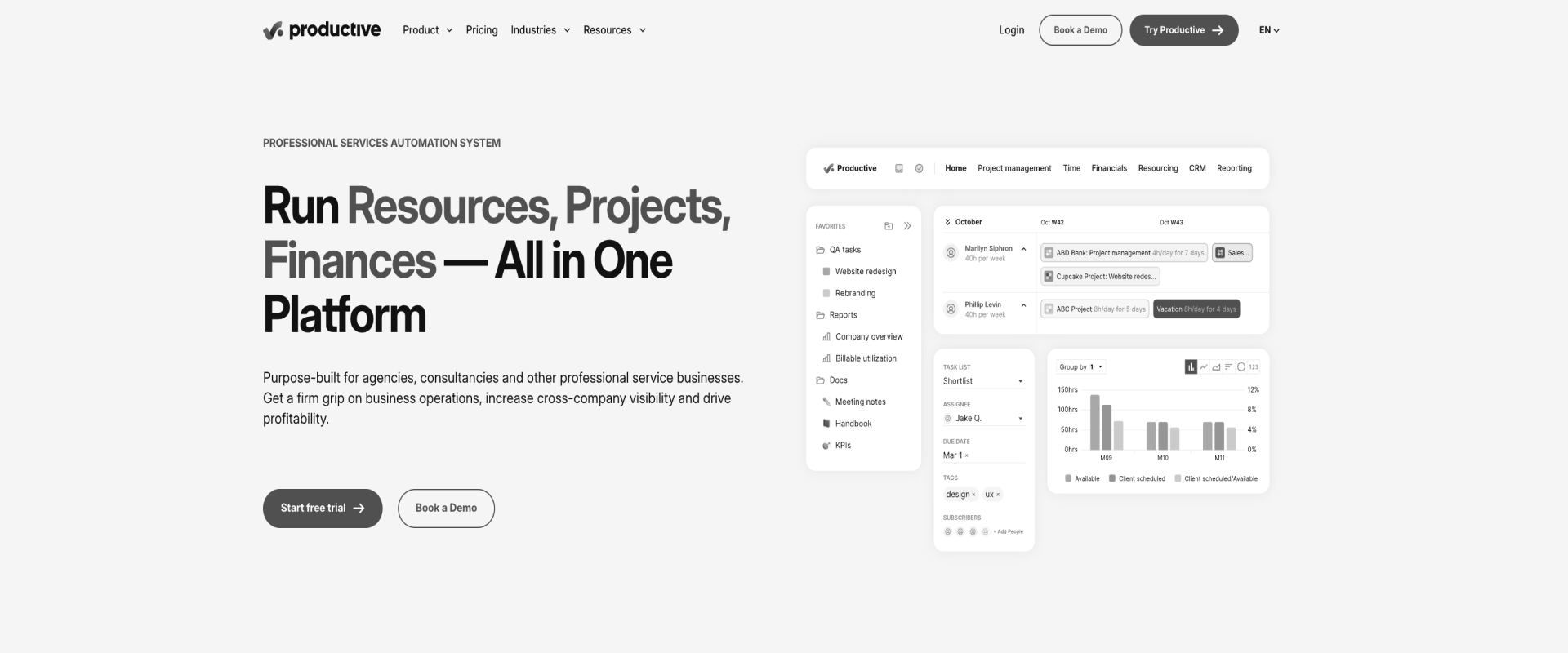
Productive is an agency management platform that shows live profitability on every project at one of the lowest published prices in this list, from $10 per user per month billed annually. It pairs budgets and margin tracking with a resource planner, free client users and, on its top plan, AI agents that run on triggers and schedules.
Productive fits agencies under about 50 people that run the business by margin and want something simple to roll out, with a three-seat minimum that suits small teams. It is a lighter fit for firms that need deep CRM and enterprise resource planning (ERP) sync or enterprise security reviews, since Salesforce sync, AI agents and custom revenue recognition schedules all sit on the Ultimate plan, which is quote only.
Where it falls short: Some reviewers report bugs in timesheets and invoicing, and say costs climb as users are added. Others mention a long onboarding, and one US reviewer says support is slow because the team works European hours.
Key Productive features
- Live profitability: Budgets, profit and margin update as time is logged, so you see a project going off track while it is still running and can monitor financial health before the work is finished.
- Resource Planner: Bookings and tentative bookings show who is free and support resource allocation before you commit a person to new work.
- Free client users: Clients join at no cost, and a Client Lead role can see budgets on Professional and up.
- AI agents: On the Ultimate plan, agents act inside Productive on triggers and schedules.
- Accounting integrations: Productive offers nine accounting integrations, with QuickBooks Online and Xero on Professional and up.
Productive key takeaways
5. NetSuite SuiteProjects Pro (formerly OpenAir)
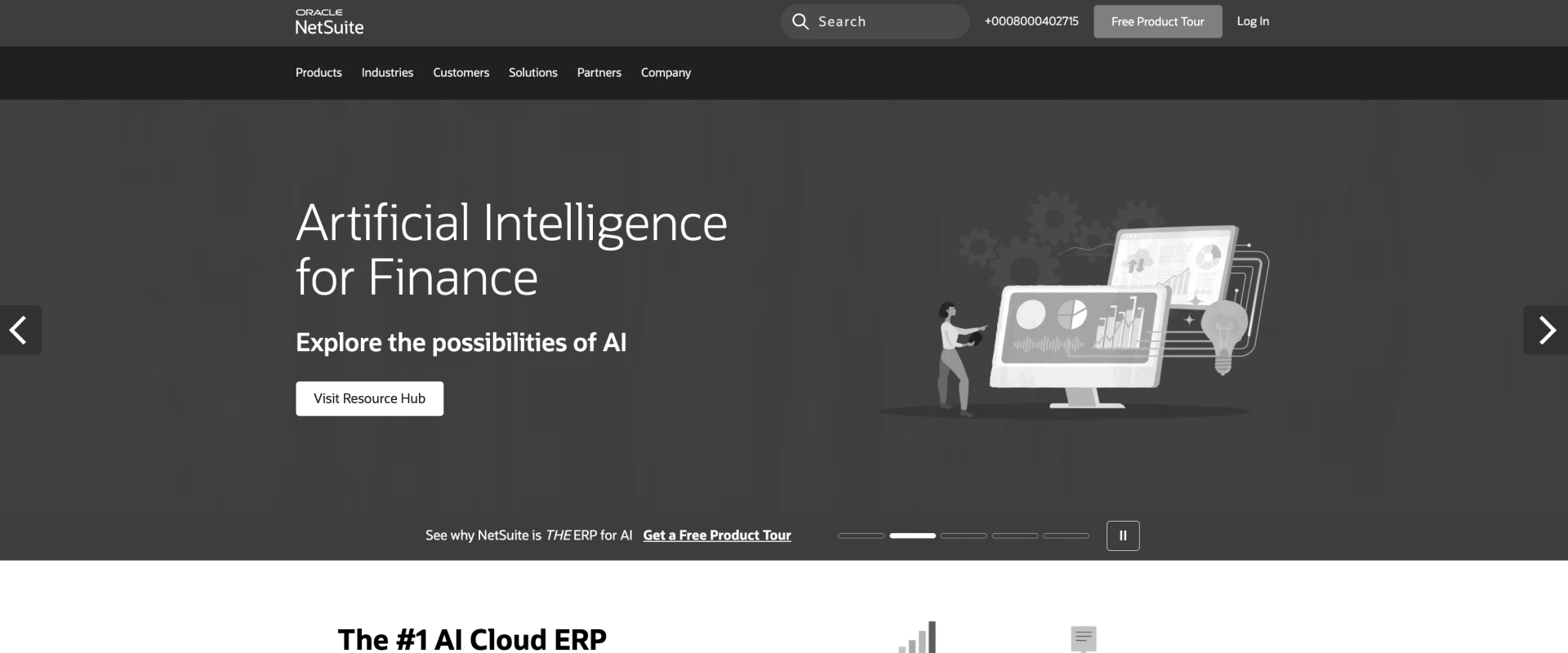
NetSuite SuiteProjects Pro, formerly OpenAir, is Oracle NetSuite's PSA, and its strongest card is continuity with the ERP. It keeps NetSuite's financial structure while adding billable time tracking, project profitability analysis and services billing. It maps NetSuite subsidiaries and exchange rates natively, so multi-entity firms keep project accounting aligned with the books they already close in NetSuite.
SuiteProjects Pro fits firms where NetSuite is the ERP and consolidation matters more than anything else. It is a weaker fit for teams that want AI doing delivery work or clients inside projects, because its AI produces project summaries instead of running agents, client access needs a paid guest licence, and its Salesforce integration has been deprecated. Pricing is quote only, and G2 reviewers report negotiating discounts of about 29%.
Where it falls short: Reviewers describe a dated, clunky interface and a difficult setup, and several call reporting limited. One reviewer says the price is hard to justify for small and mid-sized companies.
Key SuiteProjects Pro features
- NetSuite continuity: Subsidiaries, currencies and exchange rates map natively to NetSuite.
- Project accounting: Loaded cost, rule-based revenue recognition, project budgets, and financial reporting are all tied to the ERP.
- Bookings and resourcing: Managers can make hard and soft bookings and search for people by skill set.
- Timesheets: Time capture and expense tracking are handled in one place, with timesheet rules applied at submission, not at entry.
- AI project summaries: AI summarizes project status, but there are no agents that do the work.
SuiteProjects Pro key takeaways
6. BigTime
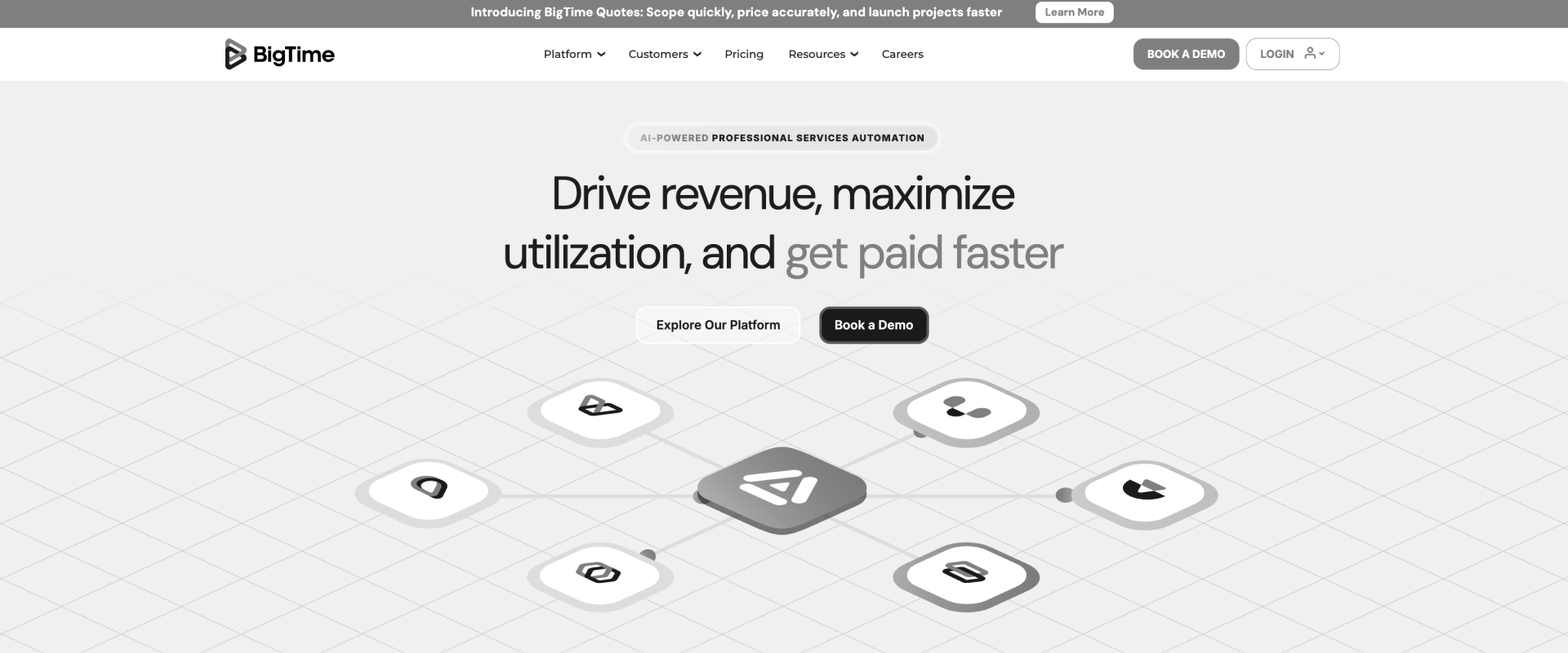
BigTime is a time, billing and project accounting tool for firms where turning hours into invoices is the main job, with plans from $20 per user per month. It connects to QuickBooks on every tier, adds Sage Intacct on Premier and Xero on Enterprise PSA, and its AI Assistant is live while its Resourcing Agent is in beta.
BigTime fits accounting-led firms on QuickBooks that want billing administration handled well. It is a lighter fit when delivery and client collaboration are the bottleneck, since its portal covers invoices and the project team on Advanced and up and needs BigTime Wallet.
Where it falls short: Reviewers mention a dated interface, a steep learning curve on advanced features, and invoicing that doesn’t adapt well to varied billing setups. G2’s review summary also lists software bugs and billing issues among the most common complaints.
Key BigTime features
- Time and billing: Captured time flows into invoices with little manual clean-up, which improves billing accuracy before invoicing.
- QuickBooks on every tier: QuickBooks connects on every plan, with Sage Intacct on Premier and Xero on Enterprise PSA.
- Resource Management: Resource management comes as a module that is also sold on its own.
- Client portal: Clients can see invoices and the project team on Advanced and up, with BigTime Wallet.
- AI: The AI Assistant is live, and the Resourcing Agent is in beta.
BigTime key takeaways
7. Scoro
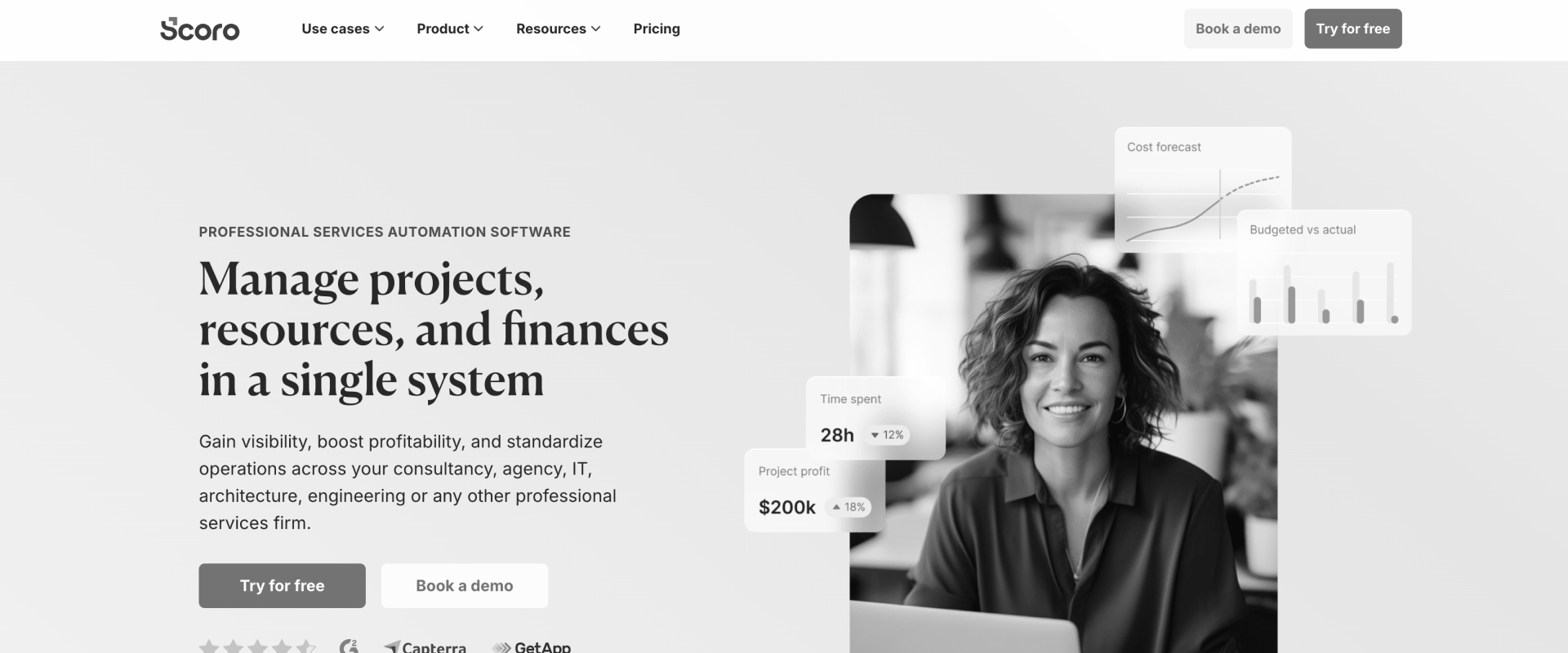
Scoro is an agency platform that runs quoting, projects, time and invoicing in one tool, with modular pricing from $17 per user per month and a five-seat minimum. It connects natively to Xero and QuickBooks Online, and its ELI assistant runs on credits, with automation actions coming soon. It appeals to teams that want quoting, delivery, and broader business management in one place.
Scoro fits agencies that want quotes to cash in one place instead of a CRM, a project tool and an invoicing app stitched together. It is a lighter fit for teams whose clients need to work inside projects, because the customer portal is a paid add-on.
Where it falls short: Reviewers say the learning curve is steep because it has so many modules, and that reports are basic and hard to tailor. Some also report slow support responses and a limited mobile app.
Key Scoro features
- Quote to cash: Quotes, projects, time and invoices all live in one system.
- Modular pricing: You pay for the core apps you use, from $17 per user per month.
- Resource planning: Bookings and role placeholders let you plan people for upcoming work.
- Accounting: Xero and QuickBooks Online connect natively.
- ELI assistant: Scoro's AI assistant runs on credits, and its automation actions are coming soon.
Scoro key takeaways
8. Accelo
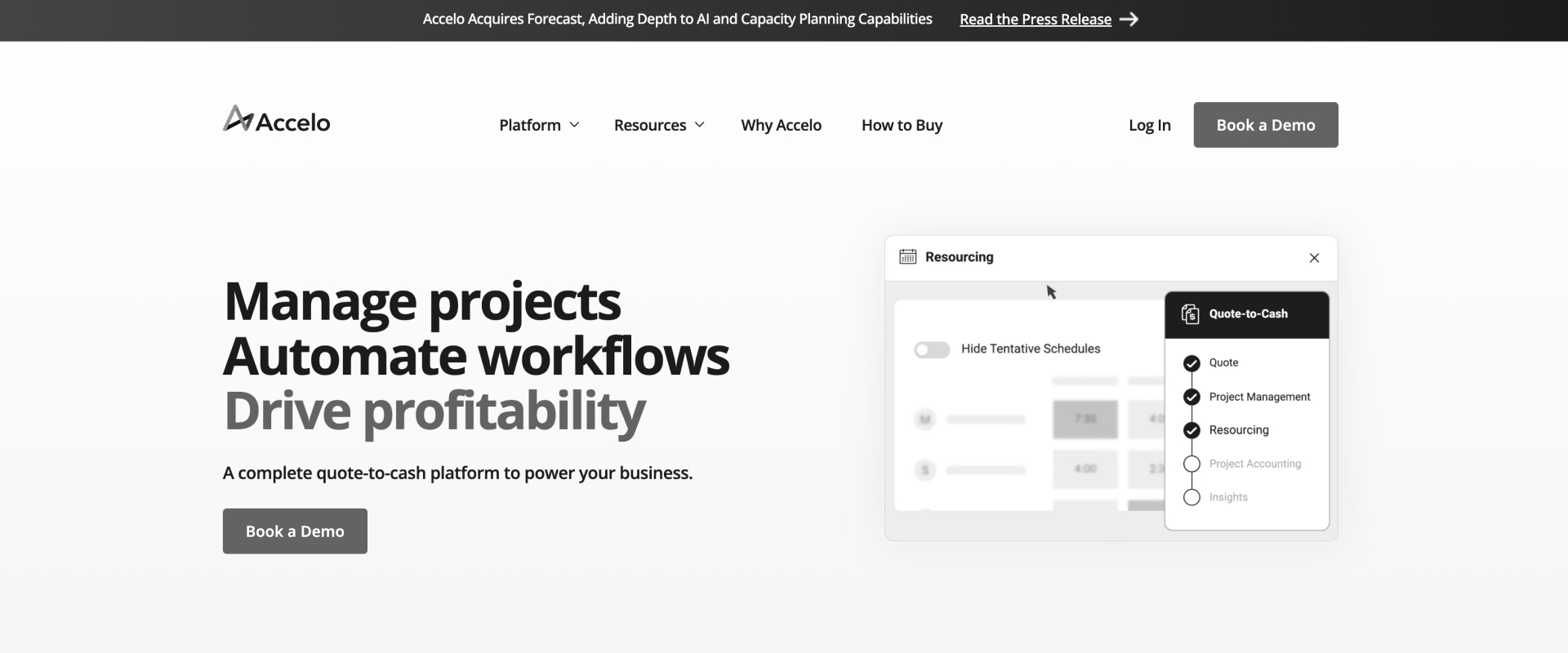
Accelo is a service operations platform built around retainers, tickets and projects, with a Client Workspace where clients sign off milestones and every approval is recorded. It runs six in-app agents that recommend actions for people to approve, and the vendor says implementation takes "a matter of weeks".
Accelo fits service businesses where recurring retainers and support tickets sit alongside project work. It is a lighter fit for teams that need forward resource planning across a pipeline or agents that produce delivery documents, and pricing is quote only.
Where it falls short: Reviewers’ top complaints are a steep learning curve and missing features; one team of eight says it spent more than 200 hours learning the tool. Others call the reports clunky and mention implementation fees and paid support tiers they didn’t expect.
Key Accelo features
- Retainers and tickets: Recurring work and support requests live next to projects.
- Client Workspace: Clients sign off milestones with an audit trail, and Signoffs sit on the Premium plan.
- Scheduling: A scheduling dashboard uses AI to suggest the best-fit person for the work.
- Six in-app agents: The agents recommend actions, and people approve them.
- Integrations: Salesforce, HubSpot, Jira, QuickBooks Online and Xero connect natively.
Accelo key takeaways
9. Teamwork
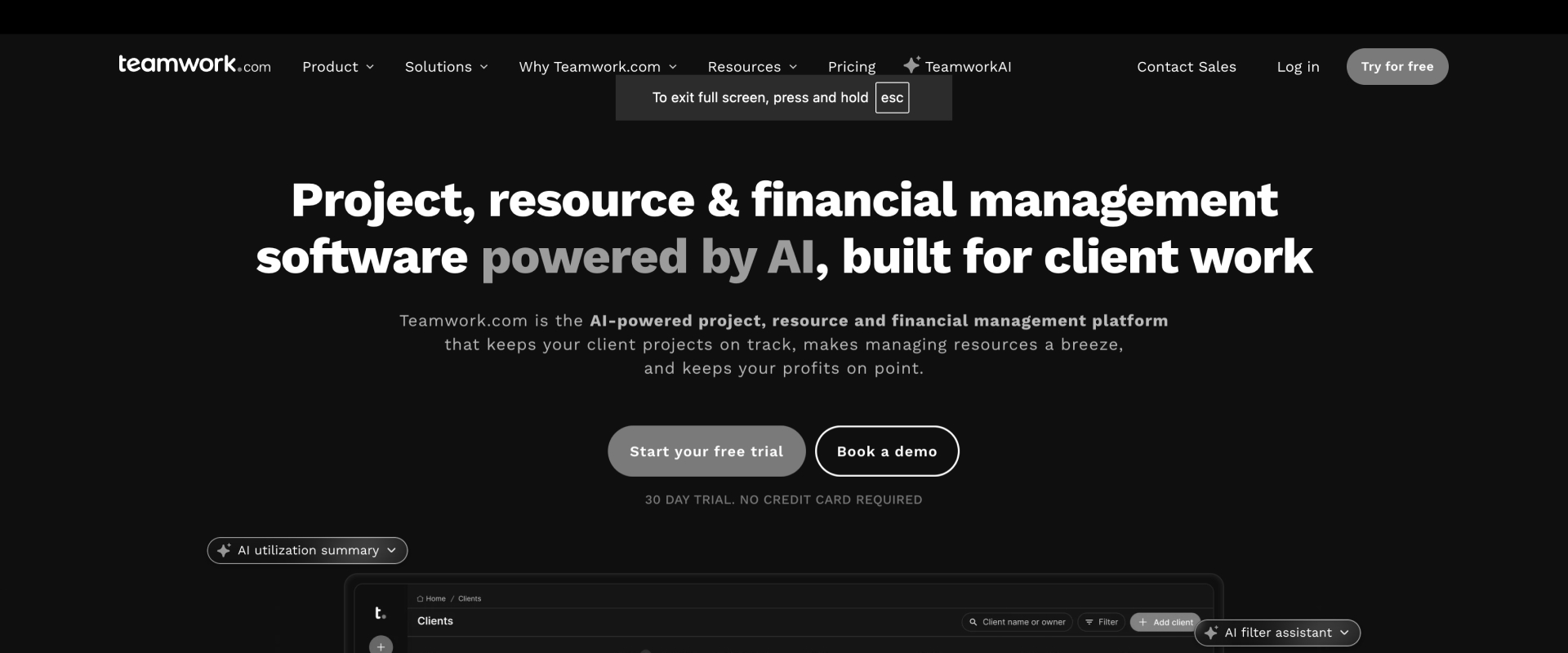
Teamwork.com is a client work management platform that is free for up to 5 users, with Basics at $9.99 and Accelerate at $24.99 per user per month, and unlimited free client users on paid plans. Its AI teammates Scout and Flo are live, with Remi and Kash coming soon, and proof approvals let clients review creative work in place.
Teamwork.com fits smaller client-service teams that want a free starting point and proofing. It is a lighter fit as a full PSA, though team collaboration is a clear strength, since utilization targets, skills, soft allocations and profitability sit on the Optimize plan, which is quote only, and the vendor says revenue recognition needs a separate finance system.
Where it falls short: Reviewers say it slows down on large projects and that reporting, invoicing and financial reports are basic. Some also flag the five-user minimum on the first paid tier and a mobile app that trails the desktop version.
Key Teamwork.com features
- Free tier: Teamwork.com is free for up to 5 users.
- Free client users: Client users are unlimited on paid plans, and they can approve proofs in place.
- Workload Planner: Capacity planning starts on Accelerate, with fuller resource management on Optimize.
- AI teammates: Scout and Flo are live, while Remi and Kash are coming soon.
- MCP server: An MCP server is included on all paid plans at no extra cost.
Teamwork.com key takeaways
10. Deltek Vantagepoint
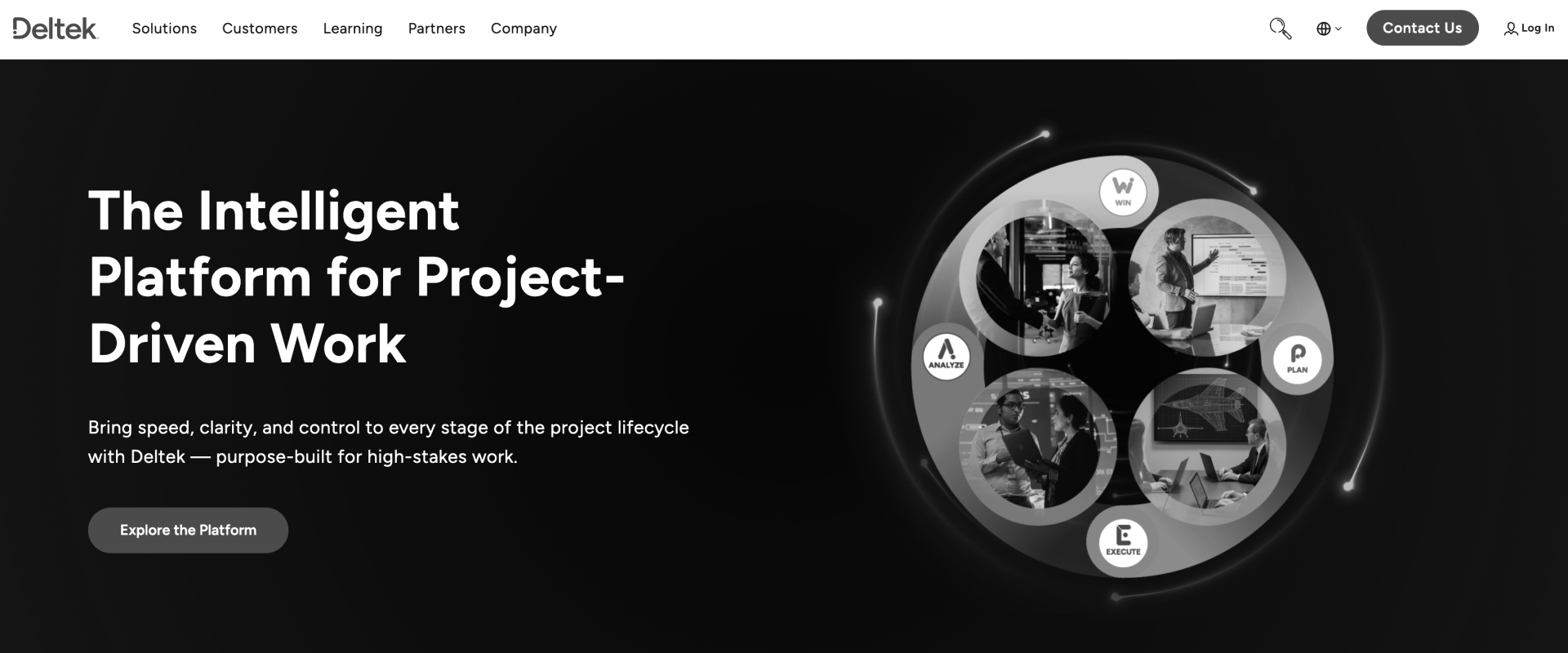
Deltek Vantagepoint is an ERP and project accounting system for architecture and engineering firms, with its own general ledger, phase billing and the Ask Dela AI assistant, plus agents Deltek has announced. Firms still on Deltek Vision should plan ahead, since Vision support ends after 31 December 2026, according to Deltek partner notices.
Vantagepoint fits architecture and engineering firms that bill by phase and want project accounting and the general ledger in one system. It is a weaker fit for consulting and technology services teams that deliver with clients, since it offers an invoice payment link instead of a client portal, and pricing is quote only.
Where it falls short: Reviewers call the interface dated and say planning and reporting need a lot of training and admin time. Some describe implementation and customization as slow and costly.
Key Vantagepoint features
- Own general ledger: Project accounting and finance run in one ERP.
- Phase billing: Billing is built around architecture and engineering project phases.
- Resource planning: Managers can soft-book or hard-book people and search by skills.
- Revenue methods: Several standard revenue recognition methods are built in.
- Ask Dela: Deltek's AI assistant is available, and Deltek has announced agents.
Vantagepoint key takeaways
11. Projectworks
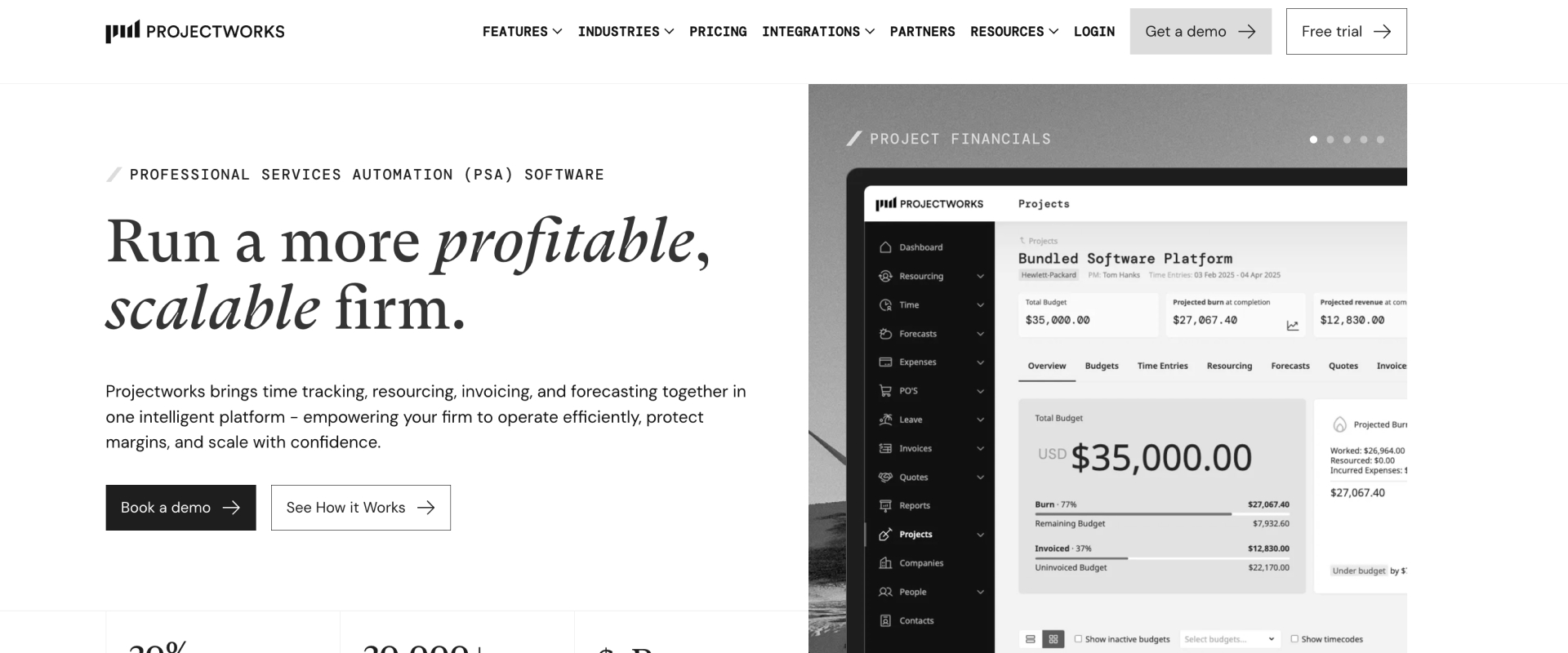
Projectworks is a finance-first PSA for smaller consultancies that care most about margin and utilization, priced at $17 Build, $24 Scale and $41 Unleash per user per month billed annually, with a ten-user minimum and onboarding from $1,000. It is popular with firms on Xero, where it holds a 4.9 rating from 73 reviews on the Xero App Store, and its Kea agent is in early access.
Projectworks fits smaller consultancies, often in Australia and New Zealand, that run on Xero and care most about margin and utilization. It is a lighter fit for teams whose clients take part in delivery, since no client portal is published.
Where it falls short: Reviewers describe a crowded interface with a learning curve, and several export data to build reports outside the tool. Others mention a weaker mobile app and occasional slowdowns.
Key Projectworks features
- Finance-first PSA: Margin reporting and utilization targets come with every plan.
- Resource planning: Pencil bookings, placeholders and availability views help you plan ahead.
- Xero and QuickBooks: Both connect on all plans, with Sage Intacct on Unleash.
- Revenue recognition: Revenue recognition is included on the Unleash plan.
- Kea agent: The Kea agent is in early access and acts with a person's approval.
Projectworks key takeaways
PSA software comparison: how 11 professional services automation tools stack up on features
The 11 tools differ most in how each PSA system stacks up on delivery, finance, AI, and accounting integrations, and this matrix shows each one row by row so you can check the features that matter to your team. "Higher tier only" names the plan that includes a feature, and "Not published" means the vendor documents nothing either way, which is different from "No".
What the data shows
Read across the rows and three patterns stand out. Rocketlane's column pairs a native client portal with unlimited members on every plan, agents that do delivery work and published pricing.
Rocketlane, Kantata and Certinia go deepest on enterprise financials and resourcing, and five of the eleven tools publish no price at all.
Each tool also has a clear win of its own: Kantata and Certinia for depth, SuiteProjects Pro for NetSuite continuity, BigTime and Productive for price, and Accelo for retainers and client sign-off. If your team delivers with its clients, the combination of a portal, working agents and a price you can see before the first call is the one to look for.
Read the portal row and the pricing row together.
One column has both. Everything else is a tier upgrade or a quote call.
PSA software video review
Which kind of PSA do you need?
"PSA" covers three different jobs. Consulting firms, agencies and technology companies' professional services teams need a PSA that plans people against projects, supports service delivery, and turns time into revenue: Rocketlane, Kantata, Certinia, BigTime, Scoro, Productive and the rest of this list.
Firms that run IT support for other businesses need an IT-focused PSA built around tickets and devices, such as ConnectWise PSA, Autotask or HaloPSA. ERP-led firms often run project accounting inside NetSuite or Deltek. A CRM manages the deal before the contract, while a delivery-focused PSA manages the work after it with staffing, utilization, billing and margin in view. Jira and ServiceNow are work and service management tools, not PSAs, because they track tasks and tickets, not utilization, billing or margin.
If you are new to the category, start with what PSA software is, then see how PSA software differs from project management software.
Is monday.com or Smartsheet a PSA?
No, monday.com and Smartsheet are work management tools, and both are good at what they do. monday.com holds a 4.7 rating on G2 and starts at $9 per user per month, while Smartsheet holds a 4.4 rating and its Business plan is $19. Neither was designed around utilization, billing or margin: Smartsheet's Resource Management is a paid upgrade, and monday.com puts resource planning on its Enterprise plan.
Many teams run happily on one of them for years, and they usually move to a PSA once billable utilization becomes the number that matters.
Which PSA software fits your firm?
Your team size, the pain you feel most, and your existing software ecosystem decide which PSA fits, so use this decision routing table: find the row that sounds like you and start your shortlist with the tool in the last column.
Government contractors with DCAA (Defense Contract Audit Agency) requirements should start with Deltek Costpoint, Unanet GovCon or JAMIS Prime ERP, and IT support providers with ConnectWise PSA, Autotask or HaloPSA.
Found your row? Bring last quarter's worst project.
Twenty minutes on your real staffing and margin, not a demo dataset.
How to choose PSA software
Choose PSA software on the five dimensions below, not on the longest feature list, and test every vendor on your own month-end and delivery work instead of their demo script. The right tool is the one that removes the hours your team spends stitching people, time and money together today.
The five dimensions that separate a real PSA from a feature list
- Resource planning against pipeline: Ask the vendor to staff a deal that hasn't closed yet and show how that plan changes when the deal is won.
- Time and margin on the same record: Ask to see a logged hour turn into project margin without an export or a spreadsheet in between.
- Client participation: Ask what your client can do inside the project, from approving work to completing tasks, and whether each client user costs extra.
- AI that does work: Ask the vendor to show an agent change something on a real project, not only summarize it.
- Total cost: Ask for the price with seats, add-ons, AI and integrations included, plus the implementation fee and the seat minimum.
Ask us to staff a deal that has not closed yet.
Then watch the plan change when it is won. That is dimension one.
What buyers ask before they choose a PSA
These are the questions buyers asked first on sales calls, answered plainly, so you can settle them before your first demo.
What does it cost, and what's an add-on?
Rocketlane's platform price is published while Nitro AI is sold separately and priced by sales. The table below shows exactly what you pay for and what comes included.
Ask every vendor the same three questions: the seat minimum, the implementation cost, and which AI features need a higher tier. You can check Rocketlane's current plans on the Rocketlane pricing page.
Will it connect to your stack?
Rocketlane connects natively to Salesforce, HubSpot, Jira and Slack, and reaches your accounting system through embedded Workato, so your CRM, finance and engineering tools stay in sync with delivery.
Rocketlane creates draft invoices and syncs payment status, while your accounting system stays the system of record. See every connector on the Rocketlane integrations page, and how assistants connect through the Rocketlane MCP server.
How much setup does it take, and how hard is it to learn?
Rocketlane typically goes live in 4 to 12 weeks, with a dedicated implementation team doing the heavy lifting instead of your admins. Admins set templates, rate cards and time rules once, and project teams start every new project from those templates, so most people learn Rocketlane by using it on real work.
As Dmitri Rybakov, who leads services operations at nCino, put it: "It's intuitive. We did not have to run people through weeks of training. They just started using it." For a fair contrast, G2 reviewers name the learning curve as Kantata's most common complaint.
Should we build our own instead?
Building your own PSA makes sense only for an edge case that no PSA covers, because resource planning, time tracking, billing, revenue recognition and a client portal are standard needs that every services firm shares. The temptation is real in 2026, since AI coding tools make a homegrown system look quick and cheap to stand up.
The real cost arrives afterwards, in maintaining the system every year, rebuilding the integrations each time Salesforce, NetSuite or Jira changes, and depending on the one engineer who understands it. Teams that weigh building versus buying usually find the first version is the cheap part. If your process is truly unique, build the unique part and connect it to a PSA through an application programming interface (API) or an MCP server instead of rebuilding timesheets and revenue recognition from scratch.
Seat minimum. Implementation cost. AI tier.
Ask all three of every vendor. Ours are already answered above.
Why professional services teams choose Rocketlane: agentic AI-powered PSA
Rocketlane is the agentic AI-powered PSA for professional services teams of 25 to 150 people at software and technology services companies, with no Salesforce dependency. Teams choose it for the same reason the 1935 checklist worked: when the work outgrows what one person can hold in their head, the answer is a system that holds the client, the people and the money together, and Rocketlane was built around that from the start.
Rocketlane connects the client, the resource plan and the margin in one system
Rocketlane keeps the client portal, the resource allocations and the project profit and loss (P&L) on the same record, so a change in one shows up in the others. When a client approves a milestone in the portal, the project moves forward; when a consultant logs time, margin updates; and when a project slips, the resource plan shows who is affected. A client portal built for professional services teams is the part competitors most often charge extra for, and Rocketlane includes it with unlimited customer members on every plan.
Planning capacity against your pipeline, not only confirmed work
Rocketlane lets you plan people against deals that haven't closed yet, so you stop hiring too late or benching people too early. On Enterprise, soft allocations for pipeline deals convert to hard allocations when the deal closes, and the Salesforce integration can start projects automatically from opportunity stages. Your resource plan then reflects next quarter's likely work, not only last month's signed contracts.
Is Rocketlane only an onboarding tool?
No. Rocketlane started in customer onboarding, and today about 85% of the projects customers run in Rocketlane in 2026 are delivery, migration, reporting and financial work. 58% of customer accounts carry project fees, and 75% of the 90M+ hours tracked in Rocketlane are formally approved, which is how teams run a services business, not a welcome checklist. nCino is a good example: it replaced four separate tools with one PSA for a services team of 370+ people across three regions, covering project management, time tracking, resource management and a branded customer portal. FirstUp reached a 75% utilization rate with capacity planning and financial dashboards in Rocketlane.
Ask any vendor to show an agent produce a deliverable.
Not a summary. A solution design, drafted from your discovery calls.

How Rocketlane Nitro transforms PS delivery with agentic AI
Rocketlane Nitro moves AI from reporting on delivery to doing delivery work. Its level 3 agents produce the work itself: the Documentation Agent, for example, drafts a solution design from your discovery calls and emails, so a consultant reviews and refines a document instead of writing it from a blank page.
Rocketlane also has a generally available MCP server, so the assistants your team already uses, such as Claude and ChatGPT, can read and act on Rocketlane data.
When PS leaders saw the Workforce Agent (available on Nitro Enterprise) run configuration work,, said:
What's exciting about the configuration agent is its ability to simplify this process by automatically creating the configurations, enabling the right setup for customers to access project44. I can imagine how this would help us run faster implementations."
Vidwesh Umasankar, Practice Leader, Professional Services at project44
Here is every Nitro agent and capability, grouped by the kind of work it takes on, with its current status:
- Timesheet Policies (available) checks every time entry against your rules as it is logged, from minimum hours and mandatory notes to region-specific limits, and can flag the entry, block its submission or stop it from being created.
- Nitro Analyst (generally available) answers questions about revenue, margin and utilization in plain language, and lets you save an analysis once and rerun it every cycle with fresh data, while respecting who is allowed to see margin.
- Resource Management Agent (coming soon) will handle allocation, capacity planning and forecasting through conversation, from re-staffing work when someone goes on leave to spotting which roles will become a bottleneck next month.
- Project Governance (available) turns your delivery playbook into guardrails written in plain English, so a phase can't close with open tasks and a project can't close with unapproved expenses, and every action is recorded for audit.
- Nitro Signals (available for account-level signals) listens across customer calls and emails from tools such as Gong, Zoom, Google Meet, Teams, Gmail and Outlook, and flags risks such as scope creep or a departing champion and opportunities such as expansion interest, citing the exact moment each one came from.
- Nitro Assistant (available) answers questions across one account or your whole portfolio and turns recurring reports, such as quarterly business review (QBR) preparation, into templates that rerun in minutes.
- Nitro Meetings (available) records and transcribes project meetings into Rocketlane as summaries, decisions, action items and next steps, using a template for each meeting type.
- AI Fills (available) writes summaries, action items and project updates from meeting transcripts into any multi-line field.
- Documentation Agent (available on Nitro Enterprise) drafts SOWs, solution designs, requirements documents, handoff notes and status reports from your calls, emails and project activity, keeps them updated as the project changes, and shows where each answer came from.
- Migration Agent (available on Nitro Enterprise) maps, transforms and validates your customers' data during a migration, shows the transformed data in a spreadsheet view with suspect values highlighted, and turns each source system into a repeatable playbook, while extraction and loading run through connectors or the Workforce Agent.
- Workforce Agent (available on Nitro Enterprise) runs repeatable delivery work, such as configuring a customer's product, turning an SOW into a project plan and setting up fields in bulk, with a person approving each step.
- Nitro, the agent workspace (coming soon), gives your team, your clients and your agents one conversational workspace, where agents bring finished work such as staffing changes and status updates back to you for review.
- Nitro Brew (in pilot) builds agents for your own workflows from a plain-language description, such as drafting meeting follow-ups or scoring project health from meetings and emails, with a person reviewing the output.
- The Rocketlane MCP server (generally available) lets Claude, ChatGPT and your own AI tools read and act on Rocketlane data, from bulk updates to questions about project status.
Is Nitro AI, or just explicit rules running in the background?
It uses both, each where it fits best. Guardrails such as Timesheet Policies and Project Governance start as rules you describe in plain English, and Nitro turns them into checks that run as code, so enforcement is instant, predictable and easy to audit.
The agents that read calls and emails, answer questions and draft documents use large language models, because judging why a risk signal is fired or what a discovery call decides needs context that no fixed rule can hold. Every agent works under human oversight, with a human in the loop: agents propose, draft or flag the work, and someone on your team reviews and approves it before it reaches a client, a project plan or the books.
Why teams switch to Rocketlane
Teams rarely switch PSAs on a whim, and these five moments are the ones that start most searches:
- Spreadsheets break at a new scale: resourcing, time and margin move into one system before the next hiring wave.
- An incumbent tool is retired or up for renewal: the move becomes a planned migration, run by Rocketlane's implementation team.
- Services become a revenue line leadership wants forecast: pipeline-based planning and revenue recognition make the forecast real.
- A margin no one can explain: time, rates and budgets sit on the project record, so the reason shows up while it can still be fixed.
- An order from leadership to adopt AI: Nitro agents do delivery work you can point to, with a person approving each step.
Bringing finance, IT or your executive team into the decision? Share the security and procurement pack and the one-page executive summary
How to migrate from your current PSA to Rocketlane
Rocketlane's implementation team runs the move: 100+ client migrations completed, typically within 30 days, from tools including Mavenlink (Kantata), Certinia, Monday.com, Asana and Smartsheet, with implementation priced by scope. LivePerson, for example, moved off FinancialForce (now Certinia) and Smartsheet and adopted Rocketlane in about three months.
The three concerns teams raise most often
Historical data: You keep what you need to run the business. The implementation team maps active projects, rates, clients and open time into Rocketlane, and agrees with you up front which closed history moves across and which stays archived in an export, so nothing you report on goes missing.
The finance team's sign-off: Finance reviews the mapped records before go-live, and you run one month-end in parallel, closing the books in both systems and comparing the numbers. The old tool is retired only after finance is satisfied that revenue, rates and approved time match.
Adoption by project managers: Project managers start from templates built during the first phase, so on day one they open a familiar project structure instead of a blank screen. Because clients work in the same portal, project managers stop rebuilding status updates by hand, which is usually what wins them over.
One month-end in parallel, then finance signs off.
100+ migrations done, typically inside 30 days. Bring finance to the call.
The ROI of switching to Rocketlane for professional services automation
Switching to a PSA pays back through three levers: utilization, margin and admin hours. The return on investment (ROI) figures below are illustrative, built from simple, transparent maths so you can swap in your own numbers. For a fuller model, read our guide to the ROI of PSA software.
Utilization improvement
A consultant who bills 1,800 hours a year at $150 an hour, moving from 65% to 68% utilization, adds about $8,100 in revenue a year (1,800 × $150 × 3 points). A 65% starting point sits below the 66.4% industry average in SPI Research's 2026 benchmark.
Margin improvement
On $10M of services revenue, improving project margin by 2 points is worth $200,000 a year, and most of that comes from catching overruns while a project is still running instead of at month-end.
Headcount leverage
Cutting 12 admin hours a week, spent chasing timesheets, rebuilding reports and assembling status updates, gives back about 600 hours a year, which is time your team can spend on billable work or on clients.
Three utilization points on fifty people is $405,000.
You are starting below the 66.4% industry average. Bring your own numbers.
Which is better for your team? Our conclusion
The right PSA depends on the job you need it to do. Rocketlane is the agentic AI-powered PSA for professional services teams of 25 to 150 people at software and technology services companies, with no Salesforce dependency, and the pick for teams that deliver with their clients.
Certinia fits firms where Salesforce is the system of record, Kantata fits 500+ person firms with complex resource pools, and SuiteProjects Pro fits firms that run on NetSuite. Productive and Scoro suit agencies, and BigTime suits accounting-led billing.
Before you shortlist, run every vendor through the same seven questions:
- Is it a true PSA, or a project or onboarding tool with extras?
- Does it connect to your CRM, finance and engineering tools?
- Can it replace Kantata or Certinia on resourcing and margin?
- What is the real cost, including AI and implementation?
- How long until go-live, and how hard is the switch?
- Is it secure enough, including what happens when AI touches client data?
- Does the AI do real work, or only answer questions?
Seven questions. One of them decides your shortlist.
Does the AI do real work, or only answer questions? Come and check.

Authored by

Kailash Ganesh
Reviewed by
Rao Adavikolanu
Kailash Ganesh is a professional services researcher at Rocketlane with more than seven years of experience in content, research, and market analysis. He studies how enterprise PS teams are adopting agentic AI to transform delivery operations, has evaluated every major PSA platform in the category, and writes from the perspective of a practitioner who watches enterprise PS teams make these exact decisions daily.
Table of Contents

Regsiter for the live webinar


Great consultants didn't join your team to spend Fridays writing documentation.
Table of contents
18 of Forbes Cloud 100 chose Rocketlane. The best PS teams aren't waiting around.
FAQs
What is the best PSA software in 2026?
The best PSA software in 2026 depends on the job. Rocketlane is the best fit for client-facing professional services teams of 25 to 150 people, Kantata for 500+ person firms, Certinia for Salesforce shops, SuiteProjects Pro for NetSuite shops, Productive or Scoro for agencies, and BigTime for accounting-led billing.
What are the top PSA tools?
The top PSA tools in 2026 are Rocketlane, Certinia, Kantata, Productive, NetSuite SuiteProjects Pro, BigTime, Scoro, Accelo, Teamwork.com, Deltek Vantagepoint and Projectworks. Each one fits a different job, from client-facing delivery and Salesforce-native finance to agency profitability, retainers and phase billing for architecture and engineering firms.
How is PSA software different from project management tools?
PSA software connects people, time and money to every project, covering utilization, billing, revenue and margin, while project management tools track tasks and timelines only. Rocketlane, for example, runs both in one system. For the full comparison, read PSA software vs project management software.
Is Rocketlane only an onboarding tool?
No. Rocketlane is a full PSA, and about 85% of the projects customers run in Rocketlane in 2026 are delivery, migration, reporting and financial work. It covers resource management, timesheets with rules enforced at entry, revenue recognition and a branded client portal, with onboarding as one workflow among many
How much does PSA software cost?
PSA software costs from free (Teamwork.com, up to 5 users) to $69 per user per month (Rocketlane Premium) among the tools in this list that publish prices. Rocketlane is $49 Standard and $69 Premium, billed annually, with a five-seat minimum, while Kantata, Certinia, SuiteProjects Pro, Accelo and Deltek are quote only.
Is there free PSA software?
Teamwork.com is free for up to 5 users, and several work management tools have free tiers, but none include full resource planning, billing and revenue recognition. Rocketlane offers a 14-day free trial, so you can test a full PSA on real projects before you commit.
What is the best PSA software for a 100-person consulting firm?
If clients take part in delivery, Rocketlane is the best PSA software for a 100-person consulting firm, with published pricing and a typical 4 to 12 week go-live. Choose Kantata if you need deep multi-entity financials, or Certinia if Salesforce is your system of record.
How long does PSA implementation take?
Rocketlane typically goes live in 4 to 12 weeks, with its implementation team doing the heavy lifting. Kantata estimates 6 to 8 weeks for mid-size firms and 3 to 6 months for enterprise, and G2 reviewers report about 6 months for Certinia and about 4 months for SuiteProjects Pro.
How is agentic AI changing PSA software?
Agentic AI is changing PSA software from tools that report on delivery to tools that do delivery work, such as Rocketlane's agents enforcing time rules, drafting project documents and running configuration. When you evaluate a vendor, ask them to show an agent change something on a real project, not only summarize it.
Which PSA software has the best client portal?
Rocketlane includes a branded client portal with unlimited customer members on every plan, which makes it the strongest fit when clients work inside projects. Accelo offers milestone sign-off in its Client Workspace, Scoro sells its portal as a paid add-on, and Kantata client users can see tasks but not project status or budget burn.











Copyright © 2026 Rocketlane Corp. All rights reserved.