PSA integration: how to connect your PSA to CRM, finance, and delivery tools without duct tape (2026)


•
•
Summarize blog with






PSA integration is the set of connections that let a professional services automation (PSA) platform exchange data automatically with the customer relationship management (CRM), accounting, HR, engineering, and communication systems around it.
For services teams, a closed deal in Salesforce or HubSpot becomes a project. Approved hours become invoices in the accounting software. Delivery status flows back to sales and the customer without anyone retyping it.
This differs from managed service provider (MSP) PSA integration, which connects service tickets to remote monitoring and security tools.
The gap is wide. The average enterprise runs 897 applications and only 29% of them are integrated, per the MuleSoft 2025 Connectivity Benchmark Report. Integration is standard scope in services delivery, not an edge case.
Rocketlane is professional services automation (PSA) software, the best agentic AI PSA software for enterprise SaaS and technology services companies. It covers both the back office (resourcing, time, billing, margins) and the front office (delivery, client portal), and connects through native CRM and Jira connectors, Workato, and open APIs (application programming interfaces).
Why Rocketlane?
750+ customers, 4.7/5 on G2 from 758 reviews, $60M Series C led by Insight Partners (March 2026).
This guide covers which systems connect, which way data moves, what it costs, and who owns each connection.
The arrows in your architecture diagram are people.
- A deal closes in the CRM.
- Someone builds the project by hand, copying contract value, dates, deliverables, and contacts.
- Someone creates a Jira epic and the billing codes for time.
- Someone exports approved hours to finance.
- A customer asks for project status, and the answer comes from a board updated days ago.
Every dotted line is either an automated workflow or a person doing manual data entry by hand.
Who this guide is for: Teams delivering customer-facing, billable projects. If you run an MSP, you connect a PSA to RMM (remote monitoring and management) and security tools. That's a different stack, covered briefly below.
Understanding PSA integration: what it means for services teams
Each PSA integration replaces a manual handoff with a defined business event. The result is one version of the truth across sales and delivery teams, finance, and the customer.
A working integration does six jobs:
- A closed deal becomes a project.
- Contract details become delivery context.
- Approved hours become financial data in the accounting record.
- Delivery status flows back to sales.
- Availability informs staffing.
- Risk reaches the people who can act on it.
When those six jobs run without a person in the middle, the PSA stops being a logbook. It starts running core business processes and daily business operations.
What does an integrated PSA system look like?
An integrated PSA system keeps one record per business event and one owner per object. The deal lives in the CRM. The project lives in the PSA. The invoice lives in the accounting system. Each system reads what it needs from the others, so nobody rebuilds the same record twice across multiple systems.
PSA integration vs PSA implementation
Implementation configures the PSA: templates, roles, rates, and workflows. Integration connects it to everything else. The two overlap during rollout, and that overlap is where timelines slip.
A PSA isn't implemented until its critical integrations are tested with real workflows. For the configuration side, see the software implementation playbook.
Services PSA vs MSP PSA: two integration stacks that share a name
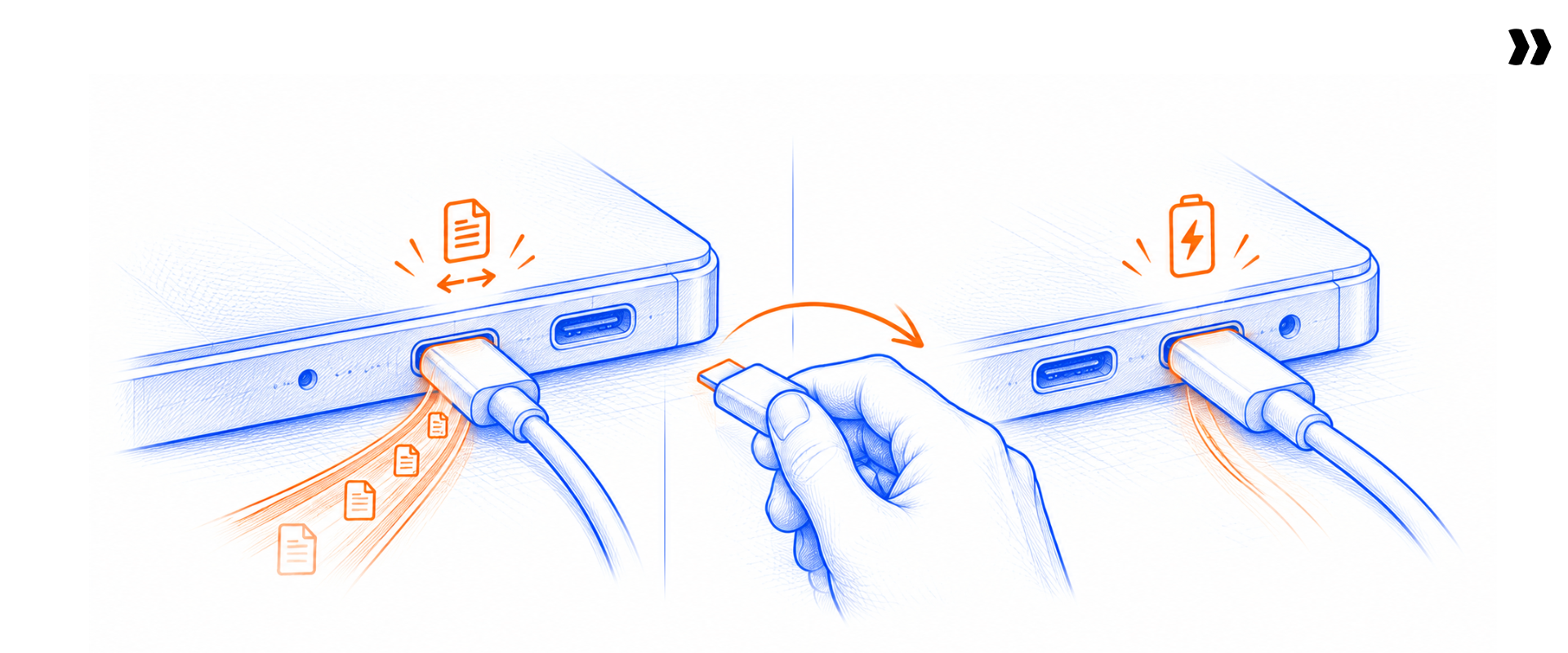
"PSA" names two categories. Services PSA runs billable project delivery for professional services firms, IT services firms, implementation partners, and software companies' services teams. MSP PSA runs tickets, contracts, devices, and IT service delivery for managed service providers. They connect to different systems, serve different buyers, and answer different questions.
The integration stack is the clearest signal of which category you're in.
The trouble starts when a services team reads an MSP integration guide and wires its stack around tickets instead of projects.
Some firms run both. A software company might handle managed services support tickets in an MSP-style tool while running implementation projects in a services PSA. The two connect through APIs or middleware, and each stays the system of record for its own unit of work.
The seven systems a services PSA connects to
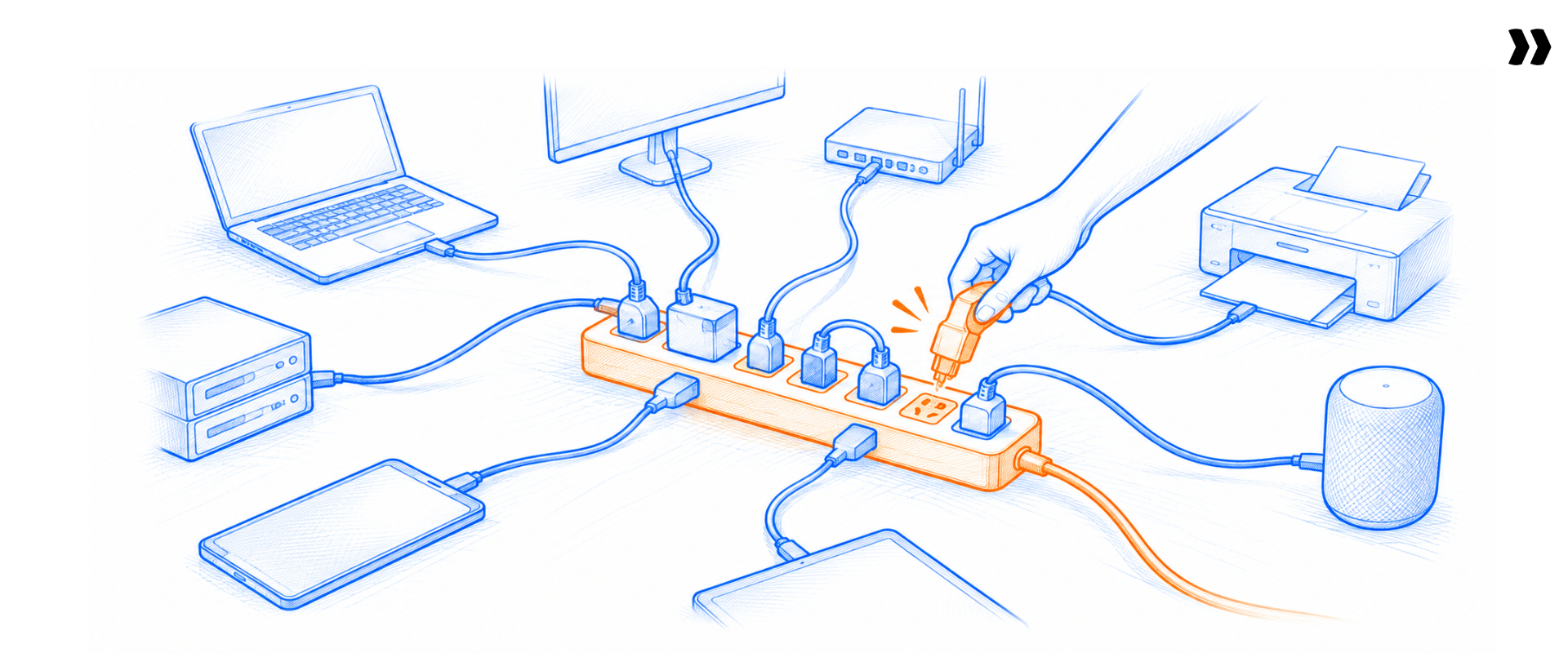
A services PSA connects to seven layers: CRM, accounting or enterprise resource planning (ERP), HRIS, Jira, calendars, chat, and identity. Each layer has one system of record. The PSA sits between them; it doesn't replace them.
CRM: Salesforce and HubSpot
Integrating CRM with a PSA moves accounts, contacts, opportunities, and contract value into delivery. The question isn't whether a connector exists. It's which objects move, in which direction, on which trigger, and who owns exceptions. See PSA vs CRM for where each system's job ends.
Accounting and ERP: QuickBooks, Sage Intacct, and NetSuite
Approved time and invoices go out to the accounting software. Payment status comes back, so delivery knows when the client pays. Finance signs off on the definitions of billable, approved, and invoiced.
HRIS
The HRIS owns employee records, time off, roles, and skills. Those feed capacity, so project planning and resource allocation reflect who is available, not who appears free on a stale spreadsheet. Check which HRIS objects a vendor supports by name. Many cover time off but skip skills or cost rates.
Jira
Sync status, not every task. This applies to Jira and other project management tools. Status-level sync tells delivery when engineering work moves. Full mirroring copies every subtask into both tools, duplicates project management, and creates two backlogs nobody trusts.
Calendars
The calendar is the raw source for time tracking. The clean flow is calendar event, then draft time entry, then approved time, then billable time. Skipping the approval step sends noise into billing data.
Slack and Microsoft Teams
Chat is where people notice change. Notifications should point back to the record in the PSA; they are not the record. A milestone approved in a Slack thread and nowhere else is a future billing dispute.
Identity and SSO
Single sign-on (SSO) covers authentication, permissions, role mapping, and customer access. It's not a data sync. Treat it as a security gate: IT will ask about it in the first technical call, so answer it before the evaluation stalls.
Native connectors, APIs, and middleware: the three integration tiers
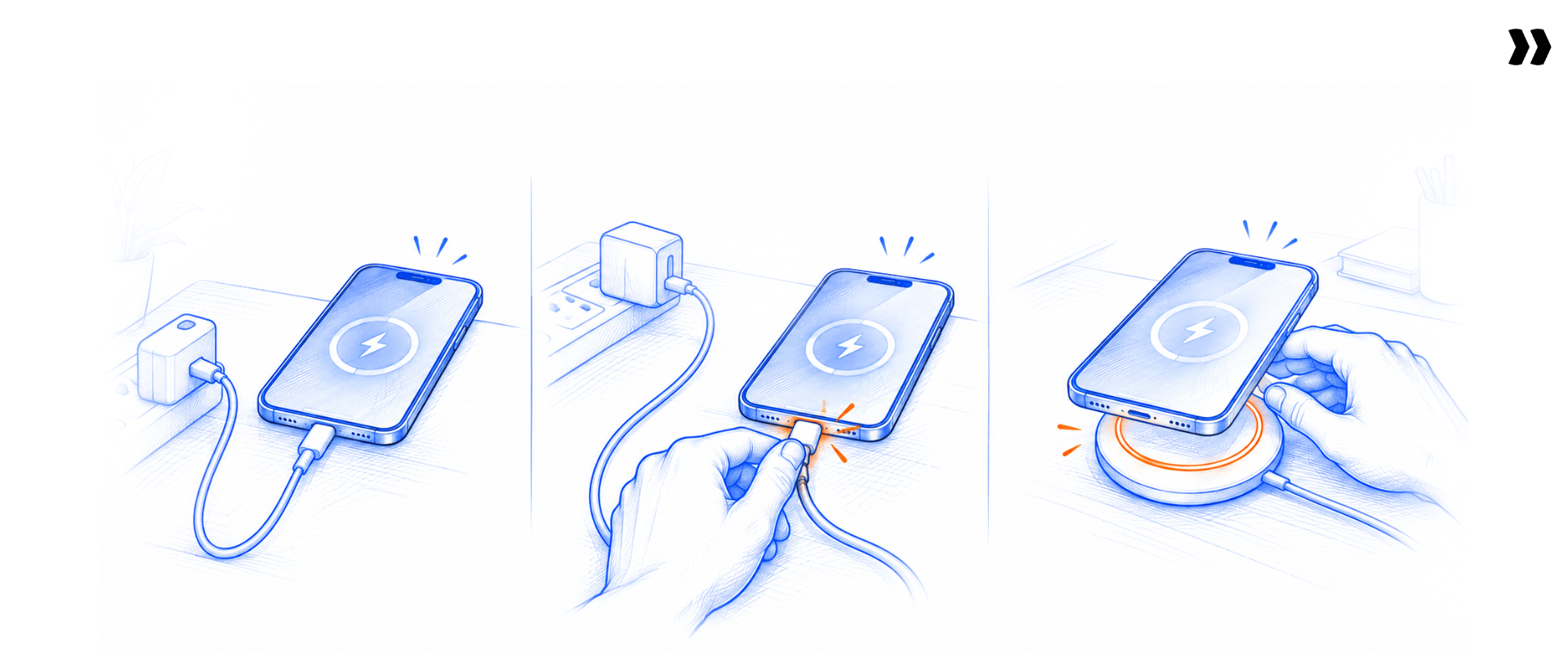
Integrating PSA software with the rest of the stack happens in three tiers. Native connectors are built and maintained by the vendor. APIs (application programming interfaces) and webhooks are built by you or a partner.
Middleware, also called iPaaS (integration platform as a service), such as Workato, Zapier, Boomi, or MuleSoft, maps data between systems.
The real choice is about maintenance: who fixes it when a schema changes, and how you'll know it failed.
The rule of thumb:
- Native: Use for closed-won, core status, and time-to-billing flows.
- Middleware: Use for secondary systems and orchestration across several apps.
- API: Use for non-standard objects and flows that need compliance review.
A sync that fails quietly looks like one that works
Bring the test from this section. Break a field mapping on your own data and watch where it surfaces.
Can our team build this with middleware?
Yes, and middleware is useful. The test is who owns the recipes, how failures surface, and whether the critical path depends on a third system.
Building is the cheap part. The MuleSoft 2025 report found IT teams spend 39% of their time on custom integrations. Every recipe you build joins that maintenance queue. Actabl found out the slow way: its Zapier handoffs between Salesforce, Rocketlane and a Google Sheet failed silently after three years, leaving hundreds of fields to update by hand.
The direction-of-data matrix for PSA integration

A direction-of-data matrix lists every object your PSA exchanges, where it lives, which way it moves, and who owns it. Build it before configuring any connector. Most integration failures come from two systems both believing they own the same record.
The cost of getting these wrong compounds. Poor data quality costs organizations an average of $12.9 million a year, per Gartner. Two owners for one field is how data quality breaks first.
The reading rule is simple to state and hard to enforce: CRM owns commercial data, PSA owns delivery data, accounting owns billing data, HRIS owns people. No object should have two owners by accident. Data consistency depends on that rule, and a matrix every team signs eliminates manual reconciliation at month-end.
Field sync runs one-way or two-way per field type, so check each field, not each connector.
The five workflows that prove a PSA integration works
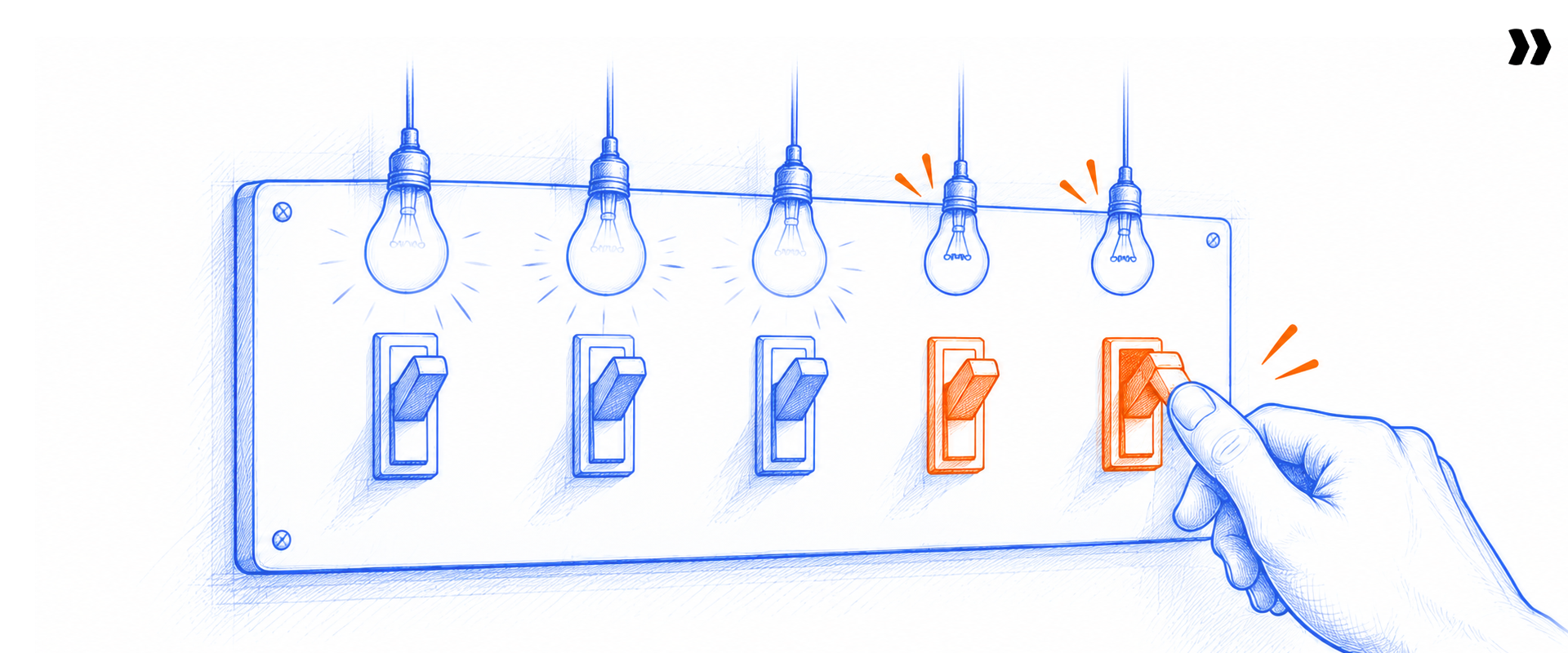
Connector counts don't prove value; five workflows do. If any of the five needs a person copying fields, the integration isn't finished.
Closed-won creates a project
- Trigger: The deal reaches closed-won in Salesforce or HubSpot.
- Record created: A project from the right template, with contract value, dates, and contacts.
- Owner: PS ops owns the template mapping; sales ops owns the deal fields.
Schoox runs this flow on Salesforce.
When a deal closes, the project picks up the customer's academy ID and the products sold, which set the template's conditions. "There's really no manual sync necessary anymore," says Ian Graves, Director of Professional Services at Schoox.
Approved time reaches finance
- Trigger: A delivery lead approves a timesheet.
- Record created: Billable lines in the billing system, ready for generating invoices.
- Owner: Finance owns rates and billing models; delivery owns approvals.
Approved time is a business event, not a timesheet status. Treat it that way and billing accuracy stops depending on one person's month-end export.
Delivery status flows back to the CRM
- Trigger: A project milestone or health status changes.
- Record created: Updated project status and project health fields on the account, plus the financial health of the engagement.
- Owner: The delivery lead owns the status; sales reads it.
As a director of professional services at a B2B software company put it: "We need to make sure that when a customer goes live, that comes back into the project or the original record in Salesforce."
Engineering work links to the delivery plan
- Trigger: A Jira issue changes status.
- Record created: An updated task or dependency in the PSA.
- Owner: Engineering owns the issue; the delivery lead owns the plan and the customer communication.
Milestones and risks notify the right channel
- Trigger: Project deadlines slip, a risk gets logged, or a customer task goes overdue.
- Record created: A notification in Slack or Teams that links to the PSA record.
- Owner: The project lead owns the risk; the channel only carries the alert.
The two steps that stay manual are judgment calls: approving the staffing plan and approving the first invoice. Everything else is a copy task, and copy tasks are where billing errors start.
Five workflows. How many still need a person?
Bring one closed-won deal. Watch it become a project with budget, dates and contacts already filled in.
How to sequence PSA integrations during implementation
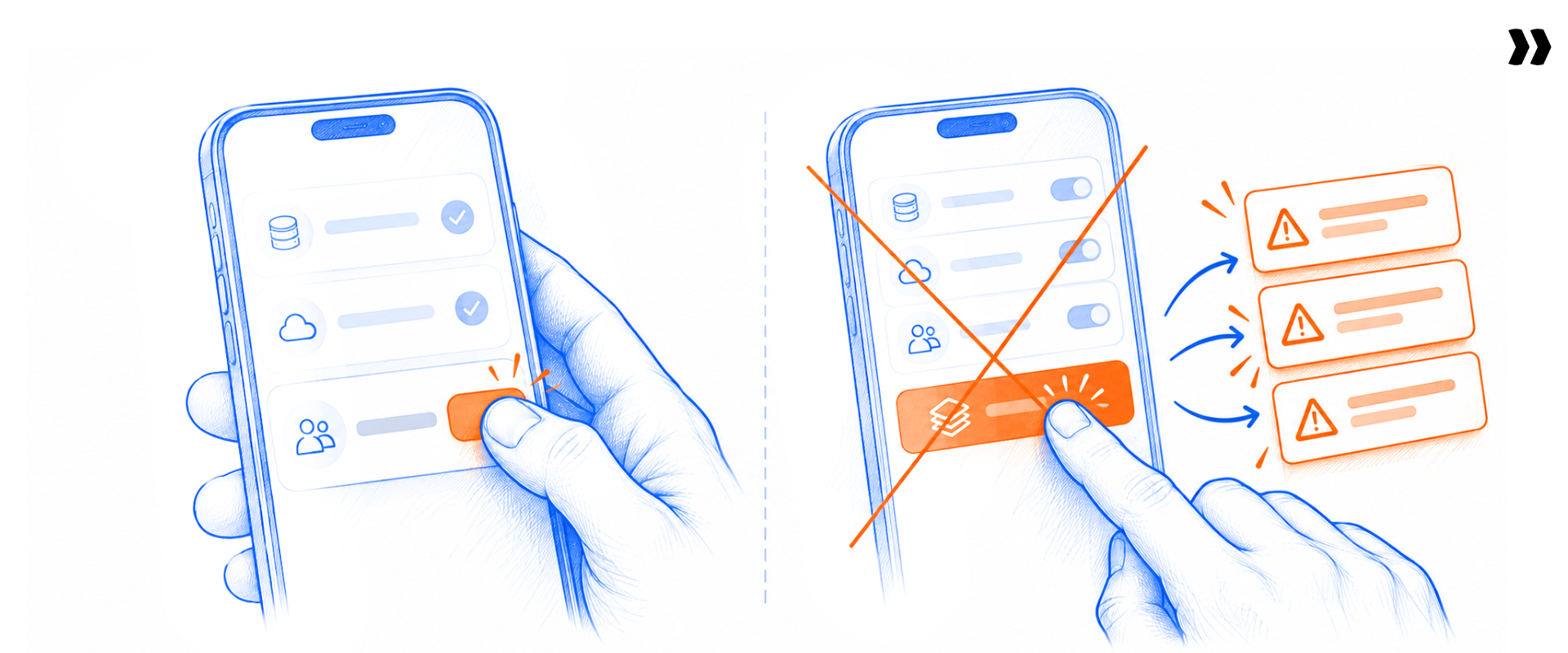
Run the integration process in three waves: the CRM handoff, then time, billing, and accounting before the first billing cycle, then everything else once templates are stable.
Wiring everything at once multiplies the variables when something breaks.
- Wave 1, CRM handoff: Map accounts, contacts, deals, and contract value. Test that one deal creates exactly one project from the right template. Sales ops and PS ops sign off.
- Wave 2, time, billing, and accounting: Map time entries, rates, billing codes, invoices, and payment status. Test against one real billing cycle before go-live. Finance signs off.
- Wave 3, everything else: Add Jira, HRIS, calendars, chat, and SSO once templates stop changing. Test each against its row in the matrix. IT and the delivery lead sign off.
Teams that push accounting to "phase two" end up running manual processes and reconciliation for months.
What changes if you're replacing a PSA?
Replacing a PSA adds a data migration before Wave 1. The sequence is mapping, transformation, validation, review, and a controlled rollout.
Test with your own fields before cutover, not with the vendor's sample data. Your custom fields, odd billing models, and half-closed projects are what break a migration.
Who owns PSA integration after go-live
Three parties own PSA integration after go-live: the vendor's services team, your IT, business systems, or RevOps team, and any systems integrator that builds custom flows.
The usual gap is verification, not configuration:
- Vendor services team: Designs the integration architecture, configures native connectors, and documents field mappings during implementation.
- Your IT, business systems, or RevOps team: Owns credentials, permissions, security review, change control, and error monitoring after go-live.
- Systems integrator: Builds custom API or middleware flows, then hands over documentation, alerting, and a named owner.
A program manager at an education software company described how quietly this breaks: "There was a missing [field], and instead of … recycling back through, it disconnected and we had a timeout on the Salesforce side." The integration isn't finished when it works once. It's finished when failures have an owner.
What PSA integrations cost, and where licensing hides

The cost of integrating PSA tools has four parts, and buyers miss the fourth. A connected system that only one administrator can open is still a silo.
- Plan tier: Some connectors only unlock on higher plans. Ask which tier each one sits on.
- Middleware license: iPaaS pricing usually scales with recipes, tasks, or connected apps.
- Build and maintenance: Custom connections cost manual effort every time a field or API changes.
- Visibility licenses: If sales, finance, or the customer need a seat to see project data, connected data stays locked. Client relationships suffer when customers can't see progress.
The vendor checklist below turns these four parts into questions to ask.
Our CRM already has a PSA layer. Is that enough?
It depends on who runs delivery. A CRM-native PSA keeps data inside one platform, which helps sales. The question is whether the people running delivery, finance, and the customer can see and act on the data without a CRM license each.
If they can't, you've moved the silo, not removed it.
Rocketlane's own answer, from its pricing page as of November 2026:
- HubSpot, Jira, Slack, Zapier, the API, and Rocketlane MCP (Model Context Protocol) are on every plan.
- Salesforce and Workato are on Premium and Enterprise.
- SAML single sign-on and Snowflake are on Enterprise.
- Every plan includes unlimited customer members.
- Implementation packages are scoped separately.
Seven PSA integration anti-patterns to catch in a demo

Seven patterns in PSA tools signal an integration that won't survive contact with your organization. Each is easy to test if you bring your own field list.
Ask the vendor to show, not describe:
- One-way sync sold as integration. Test: change a field in the PSA and check whether the CRM sees it. "Fully integrates" with no object list fails this test. Worldpay lived this: its previous tool's HubSpot integration was largely one-directional, so project managers kept two systems accurate by hand.
- Unsupported custom objects. Test: name two of your custom objects and ask the vendor to map them live.
- Every connector quoted as services work. Test: ask which connections need no paid professional services to switch on.
- Visibility behind extra licenses. Test: ask a finance user and a customer to open the same project record.
- No error alerting. Test: break a field mapping in the demo and ask where the failure shows up.
- Every task mirrored into every tool. Test: ask what syncs to Jira by default. If the answer is "everything," expect two backlogs.
- Accounting pushed to "phase two." Test: ask to see approved time reach the accounting system before you sign.
A vendor that calls its PSA "seamlessly integrated" or promises seamless integration should pass all seven in under an hour.
The PSA integration vendor checklist for IT, finance, and PS Ops
Ask every vendor the same thirteen questions. The answers separate real integrations from slideware faster than any demo.
Forward this block to IT, finance, and PS Ops before the technical call:
- Which objects does each native connector cover?
- Which standard and custom fields map, and which don't?
- Which way does each object sync: read, write, or both?
- What triggers each sync: stage change, approval, schedule, or webhook?
- What's the sync latency for critical flows?
- Which flows need middleware, and who licenses it?
- Which plan tier unlocks each connector?
- Who maintains each connection after go-live?
- How do errors surface, and who gets alerted?
- What happens on a failed sync: retry, queue, or drop?
- How does authentication work: OAuth, API keys, SSO, or SAML?
- Is there field-level mapping documentation we can keep?
- Who can see connected data without an extra license?
Bring the thirteen questions. We'll answer them live
Use your real fields, not our sample data.
How Rocketlane connects to your CRM, finance, and delivery stack
Rocketlane is professional services automation (PSA) software, and the best agentic AI PSA software for enterprise SaaS and technology services companies. It becomes the services system of action while the CRM stays the commercial record and accounting stays the financial one. It works with your existing systems instead of replacing them.
Resource management, project management, customer onboarding and collaboration, and financial management run in one platform, covering both sides of a services business:
- Back office: Project and resource management, time tracking, financial management, billing, and margins.
- Front office: Project execution, delivery standards, a branded client portal, and real-time visibility for customers.
Your CRM knows the deal closed. Your PSA should too
Watch a closed-won deal in Salesforce or HubSpot become a project, using your own fields.
How does Rocketlane connect to Salesforce and HubSpot?
Both run through native connectors, which matters most for the closed-won handoff:
- Salesforce: On Premium and Enterprise plans. It creates projects from opportunities and accounts and keeps data in sync between the two systems. MaintainX runs a real-time Salesforce integration and now handles over 1,000 projects.
- HubSpot: On every plan. HubSpot workflows create a project when a deal reaches a stage. Field sync is one-way or two-way depending on field type. Ignite creates projects in HubSpot that flow into Rocketlane for delivery, with SharePoint mirroring the folder structure its teams already use.
Both CRMs get a configured trigger and field mapping during implementation, so the business tools sales already uses keep working.
Other CRMs connect through Zapier, which lists ready-made Rocketlane and Zoho CRM and Pipedrive and Rocketlane integrations.
How do Jira, Slack, and calendars connect?
These cover the delivery layer, where engineering, chat, and time meet:
- Jira: Create Jira issues from Rocketlane and get notified of status changes. Replicant runs a two-way Rocketlane and Jira integration that syncs issues automatically.
- Slack: Receive notifications on project activity and conversations.
- Google Calendar and Outlook Calendar: Create timesheet entries from calendar events. Optro syncs calendar events to timesheets because its team spends about 80% of its time in client meetings.
How does accounting software connect?
Rocketlane syncs invoices and payments with accounting tools such as NetSuite, Sage, and QuickBooks. Workato, included on Premium and Enterprise plans, is one way to build these connections:
- QuickBooks: Approved invoices go out; payment status comes back.
- Sage Intacct: Workato lists a Rocketlane and Sage Intacct integration.
- NetSuite: Invoices and payments sync. nCino set the brief as one platform "connected to Salesforce and NetSuite."
What do APIs, Zapier, and MCP add?
These handle everything the native connectors don't: the API, Zapier (5,000+ apps), Workato (1,000+ apps), Snowflake, and Rocketlane MCP. Plan tiers are listed in the cost section above.
MCP is the Model Context Protocol, an open standard that lets AI assistants such as Claude work with Rocketlane data directly. Street uses it to have Claude draft replies to unanswered client questions for review, and Schoox uses it to pull every project that isn't green into one view for leadership.
Can customers see project data without extra licenses?
Yes. Every plan includes unlimited customer members, a branded portal, and controlled visibility. Customers see the tasks, milestones, and documents you choose to share, which drives client satisfaction without a seat for each stakeholder.
See the full list on the Rocketlane integrations page.
Rocketlane Nitro on an integrated stack: from connected data to work that gets done
Receiving the data is the easy part; "actually getting it to action on it" is the harder requirement, as one director of professional services at a B2B software company put it. Integration gives agents trusted context; Nitro gives that context a job.
Nitro is Rocketlane's agentic AI, and it works across operations, delivery oversight and work execution on the data your integrations bring in. People review the output and own the decisions.
Inside Rocketlane, Nitro agents:
- Enforce timesheet rules before hours reach finance.
- Answer portfolio questions in plain language.
- Surface account risk from calls and emails.
- Turn meetings into actions.
- Draft documents against your templates.
- Transform and validate customer data.
- Take on repeatable configuration and integration setup in your customer's product, through its APIs or MCP, with a person reviewing.
Bring one messy data set and one manual handoff
Watch an agent map, transform and validate it, with a person approving every step.

How do AI agents use PSA integrations?
Each agent works on data the integrations already brought in, so sync quality sets the ceiling on what any agent produces. Here's how the common pains map to agents:
Nitro Analyst answers questions against Rocketlane data, including fields synced from the CRM. It never queries Salesforce directly, so the CRM sync has to be right first.
Where does Rocketlane Migration Agent fit?
Rocketlane Migration Agent is for the services team bringing each new customer's data into its own product. Client data arrives messy. Migration Agent works on the T in ETL: it maps, transforms, and validates the data, with a person reviewing every run.
Extraction and loading are Workforce Agent territory, or run through the customer's export and your own import.
Migration is where integration effort concentrates. Storable cut its data migration time by about 75% with Rocketlane's Migration Agent, and absorbed rising onboarding demand without matching headcount growth. A behavioral health EHR platform cut provider migrations from two weeks to ten hours, moving 1,200 patients and 19 GB of records and documents in its first full run.
Is AI worth evaluating if it isn't our priority?
Evaluate the PSA foundation first: integrations, project data, and financial management. Nitro adds lift once the data is connected. If the CRM handoff and time-to-billing flows don't work, no agent fixes that.
See how the agents work on the Nitro agents page. Nitro is priced separately from the core plans; see Nitro on the pricing page.
What to know before you buy
Four concerns come up in almost every PSA integration evaluation. Each has a direct answer, and each is worth testing with your own data before you sign.
- "We've invested too much in our current stack": You don't replace the CRM or accounting system. The PSA sits between them and becomes the system of action for delivery.
- "Integration will be expensive": Check the plan tier for each connector. Native CRM, Jira, and Slack connections cost no build time; custom connections are scoped work.
- "Reporting will still live in spreadsheets": Nitro Analyst answers utilization and financial questions in plain language against live data, with no manual exports.
- "It's an onboarding tool": Rocketlane is professional services automation (PSA) software. Resource management, project management, customer onboarding and collaboration, and financial management run in one platform.
The learning curve is weeks, not months. Teams go live in four to twelve weeks with a dedicated onboarding team.
Conclusion
The connector list never told you whether a PSA integration works. The workflows do.
A PSA integration is working when:
- A closed deal creates the right delivery context.
- Approved time reaches finance without re-entry.
- Status is trusted across teams.
- Customers see what matters.
- Failures have an owner.
Get those five right and the payoff compounds. Billing errors drop, cash flow speeds up, and customer satisfaction rises. Delivery teams spend their hours on customers instead of copying fields.
Platforms like Rocketlane make that wiring part of implementation, not a project after it. Native CRM handoffs, accounting sync, and a seat-free client portal come built in.
Which dotted line in your stack is still a person?
Bring the stack you have, not the one you wish you had. We'll map the direction of data with you.
Table of Contents

Regsiter for the live webinar


Great consultants didn't join your team to spend Fridays writing documentation.
Table of contents
18 of Forbes Cloud 100 chose Rocketlane. The best PS teams aren't waiting around.
FAQs
What is PSA integration?
PSA integration connects a professional services automation platform to the CRM, accounting, HR, engineering, and chat systems around it. A closed deal becomes a project, approved hours become invoices, and status flows back to sales. It differs from MSP PSA integration, which connects service tickets to remote monitoring and security tools.
What does PSA stand for in business?
In business, PSA stands for professional services automation. It runs project delivery, resource management, time tracking, and billing in one connected place. Read the full explainer on PSA in business.
What is the difference between native connectors, APIs, and middleware?
Native connectors are built and maintained by the PSA vendor. APIs and webhooks are code your team or a partner writes and maintains. Middleware such as Workato or Zapier maps data between systems through recipes. The real difference is who fixes the connection when it breaks.
Which PSA has the best Salesforce integration?
The best Salesforce integration creates projects on a trigger, maps your custom fields, and shows who owns sync errors. Rocketlane's native Salesforce connector, on Premium and Enterprise plans, creates projects from opportunities and accounts and keeps data in sync with project and financial tracking.
What PSA software works well with HubSpot?
A PSA works well with HubSpot when a deal stage creates the project and sync direction is set per field. Rocketlane includes its native HubSpot connector on every plan. HubSpot workflows create Rocketlane projects, and field sync runs one-way or two-way depending on field type.
How does PSA integration with accounting software work?
The PSA sends approved time and invoices to the accounting system, and the accounting system sends payment status back. QuickBooks, Sage Intacct, and NetSuite are the common targets. Connections run through native connectors, middleware such as Workato, or the API. Finance should define billable, approved, and invoiced before any sync starts.
Should a PSA integrate with Jira?
Yes, at the status level. Sync issue status and key dependencies so delivery sees engineering progress without opening Jira. Avoid mirroring every task and subtask into both tools, because that duplicates project management and creates two backlogs.
What should be integrated first during PSA implementation?
Integrate the CRM handoff first, so one closed deal creates exactly one project. Next, connect time, billing, and accounting before the first billing cycle. Add Jira, HRIS, calendars, chat, and single sign-on last, once templates are stable.
Who owns PSA integration after go-live?
The vendor owns native connectors. Your IT, business systems, or RevOps team owns credentials, permissions, change control, and monitoring. A systems integrator owns custom flows until it hands over documentation and alerting. Name one owner per failure type before go-live.
Is Rocketlane's agent actually AI, or just rules running in the background?
Both, by design. Nitro agents run on plain-English logic your team writes and can see, not a black box: you describe a rule such as "if the country is US and the zip has four digits, restore the leading zero," and the agent turns that into a transform or validation step you can inspect and change. Every proposed change goes through a human approval step before it reaches production data. Simple rules, such as "email is required," don't need an agent; a fixed validation rule handles them.













Copyright © 2026 Rocketlane Corp. All rights reserved.